VTA
Niche use-case AWS/Vercel alternative boilerplate
Mar 2026
Details / Technology
- Architected a full-stack framework (Next.js, Express.js, PostgreSQL) featuring automated CI/CD deployment pipelines via GitHub Actions & Cloudflare Tunnels; Currently powering services.vijitdua.com (Atlassian Status Page Alternative), & others in production.
- Engineered a highly observable backend utilizing Redis & Docker worker threads for heavy task offloading, preventing main-thread API degradation, paired with OpenTelemetry-style distributed tracing via correlation IDs for full-lifecycle transaction monitoring.
Context
VTA (Vijit Template App) is my private base stack: the production-ready tooling and patterns I extend for most of my web apps. It helps me ship faster and keep features and branding aligned across projects. Live sites may sit on different generations of the same template-some older, most on the latest. Maintained projects are typically all synced to the latest VTA version bi-monthly at the latest, sometimes weekly.
If you are interested in purchasing or licensing access, terms are negotiable—email me and we can discuss.
⚠️ Disclaimer
⚠️ Disclaimer: This page is a few months out of date. This documentation depicts the April build of VTA. I've been too busy shipping to update this massive page (and honestly, I'm avoiding the screenshot work), but the stack has evolved significantly since then. Recent additions include:
- UI & Workflow: Dark/light mode toggles, a new changelog system, an overhauled cleaner UI, and Kanban boards for bug/content reports.
- User Engagement: In-App reply threads for all reports and feature requests, plus full email blast management with marketing IDs.
- Backend & Architecture: Multiple new webhooks, auto Redis caching, expanded configuration options, and compressed database storage to save space.
- Advanced Observability: Improved log management with automatic critical log forwarding triggered by specific parameters (e.g., slow request durations or specific response body content types).
Summary
Frontend
- Next.js 16+ (App Router) with React 19 and Material UI v7.
- TanStack Query v5 for async state and caching.
- Socket.io-client for bidirectional real-time transport.
- Global contexts for auth, layout, dialogs, snackbars, and WebSocket events.
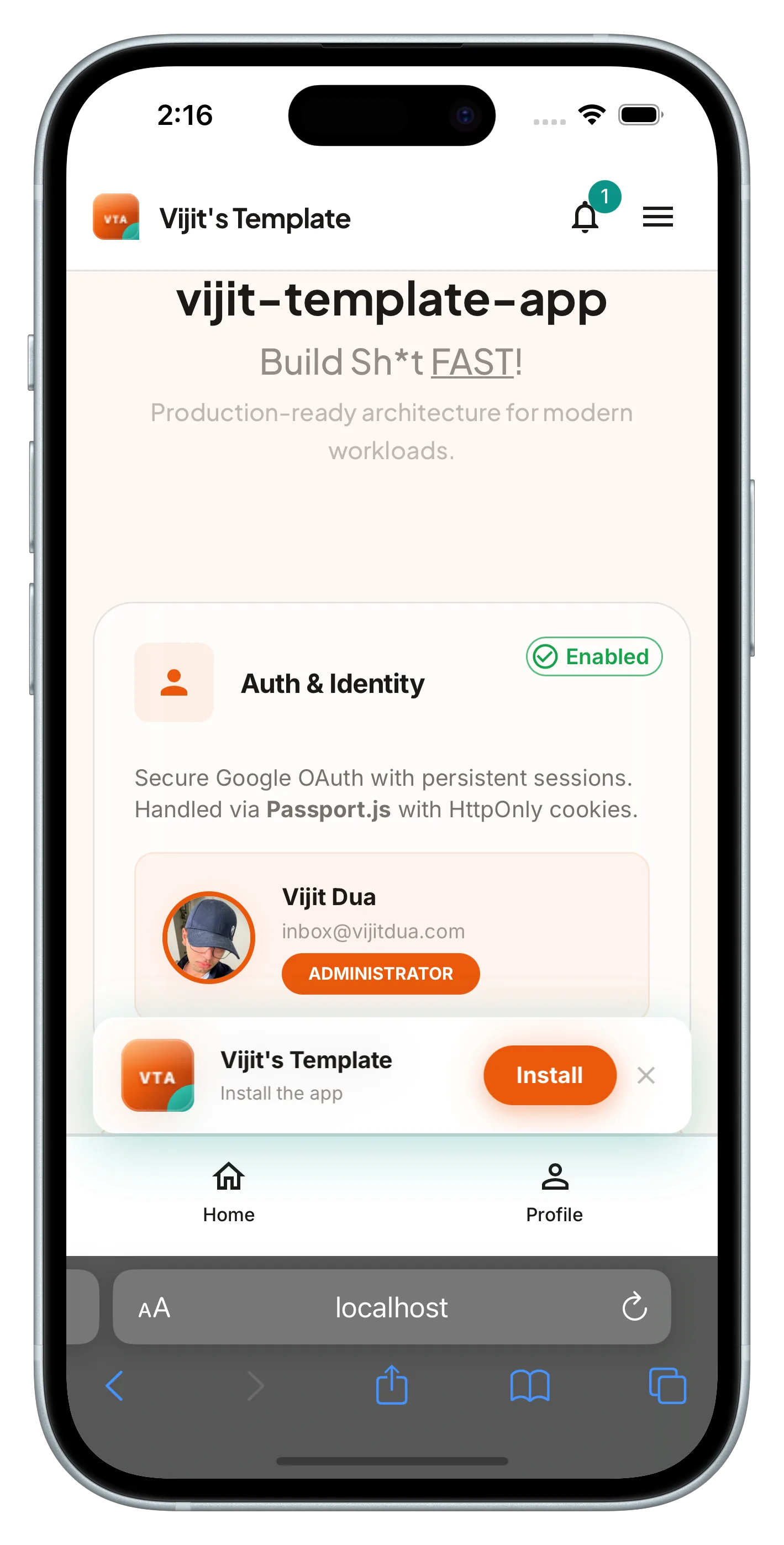
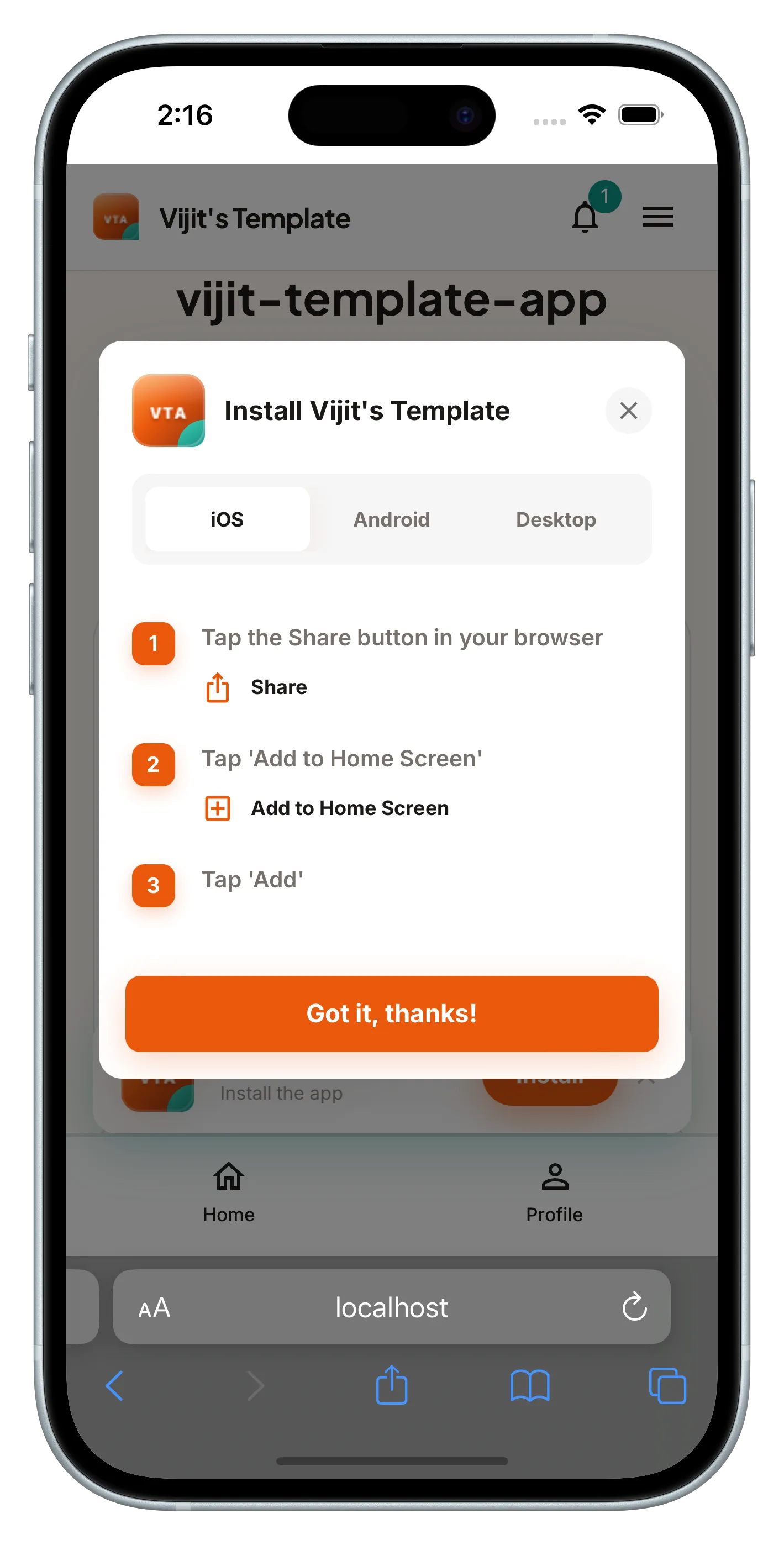
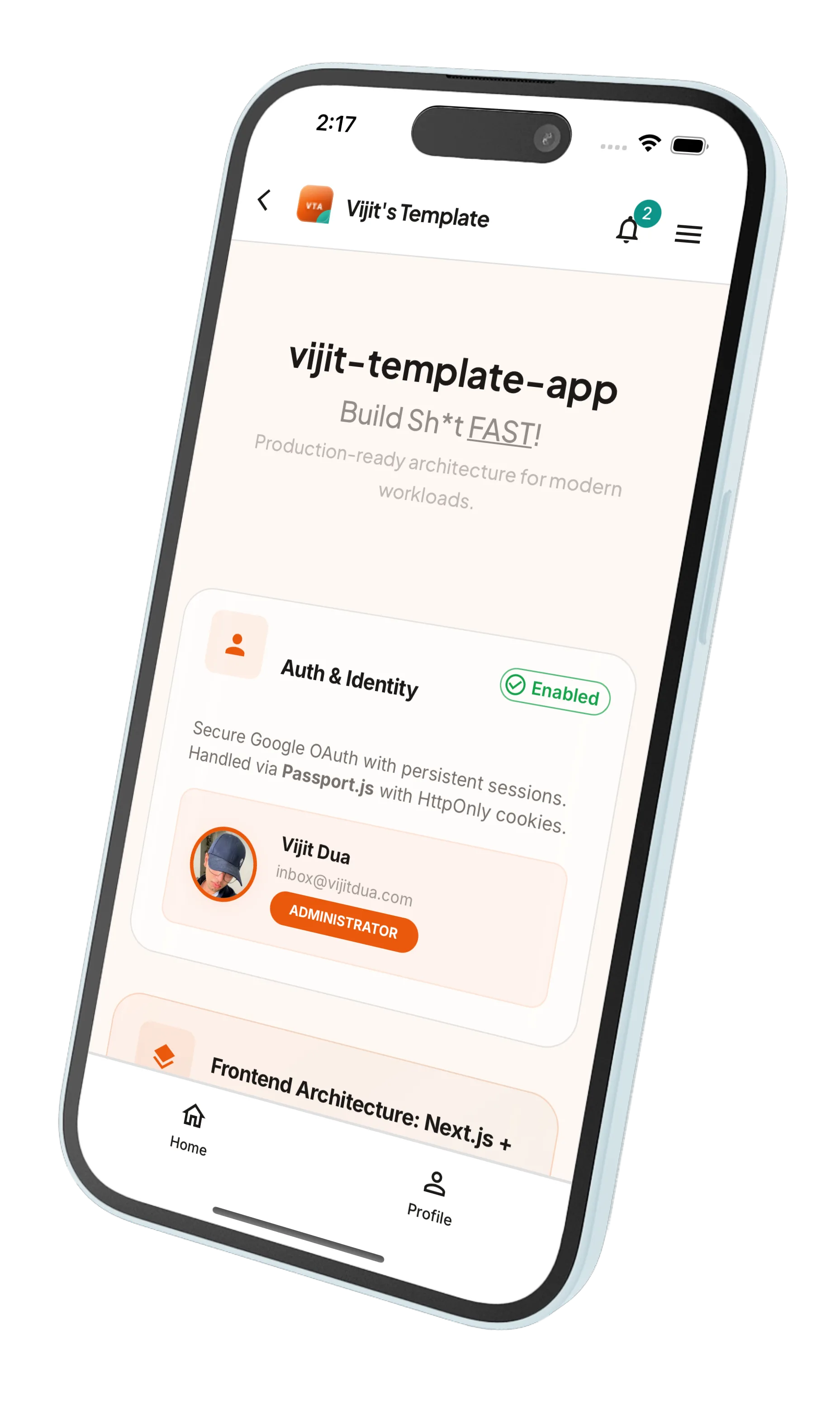
- PWA-optimized with iOS/Android safe area insets and smart install prompts.
Deployment
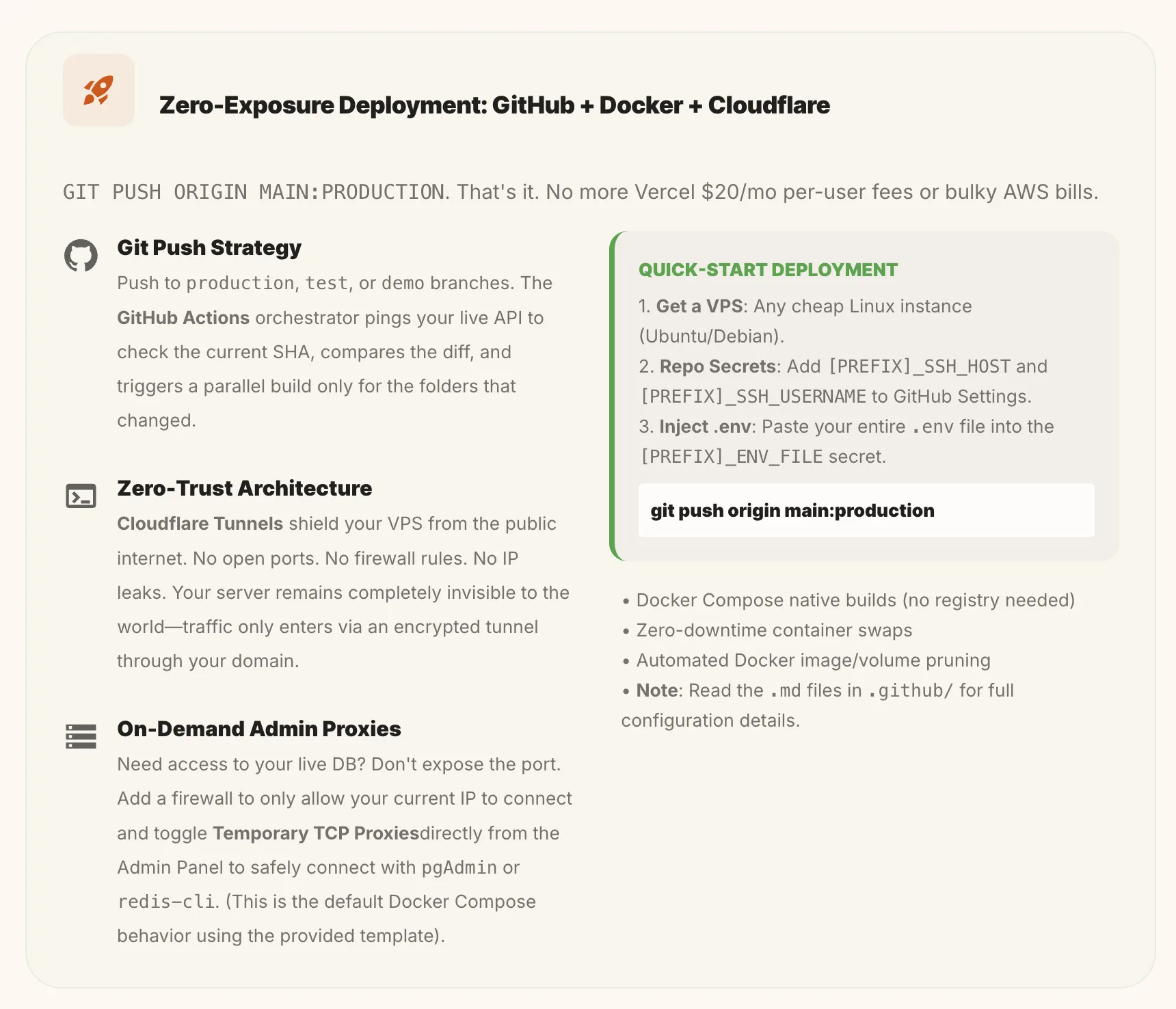
- Zero-exposure deployments: database and services are never exposed to the public internet.
- Cloudflare Tunnels proxy all traffic — no open ports on the server.
- GitHub Actions handles automatic deploment. Just run `git push origin main:production`
Backend
- Express.js with Sequelize ORM (PostgreSQL) and Redis for sessions, caching, and rate limiting.
- Socket.io for authenticated WebSocket namespaces.
- Zod for strict runtime schema validation on all inputs.
- VAPID push notification architecture for native browser push.
- Multer for multipart file uploads to Cloudflare R2 (S3-compatible, with a PG blob fallback).
- Nodemailer + Resend for transactional and bulk email.
- Correlation IDs assigned to every request — traces the full lifecycle across middleware, services, and DB queries.
- Worker threads offload heavy tasks (log aggregation, media GC) so the main API server stays fast.
- Docker containers with resource limit scripts to isolate workers from the core API.
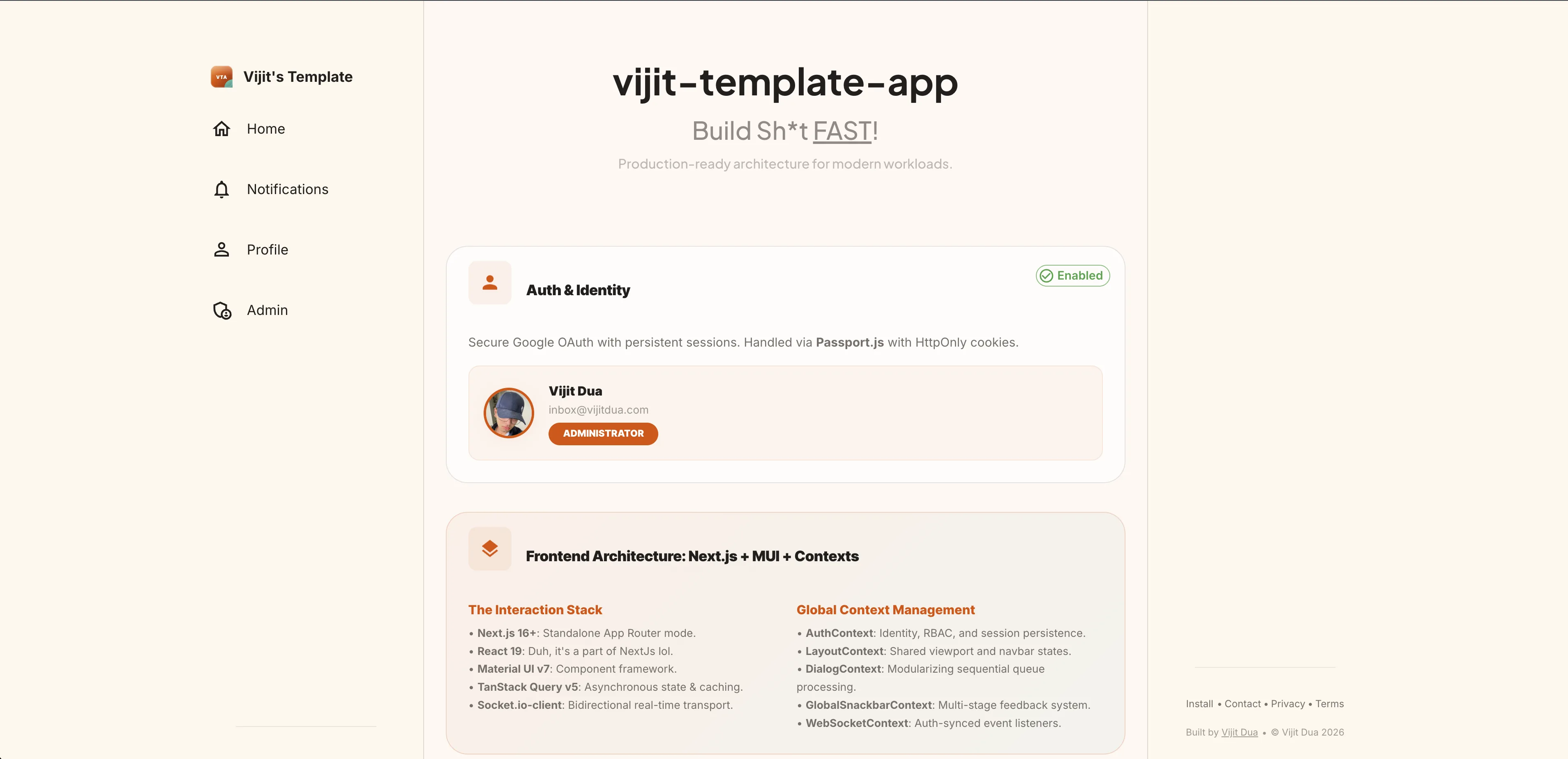
Home
Desktop view:
Mobile browser + PWA install prompt:
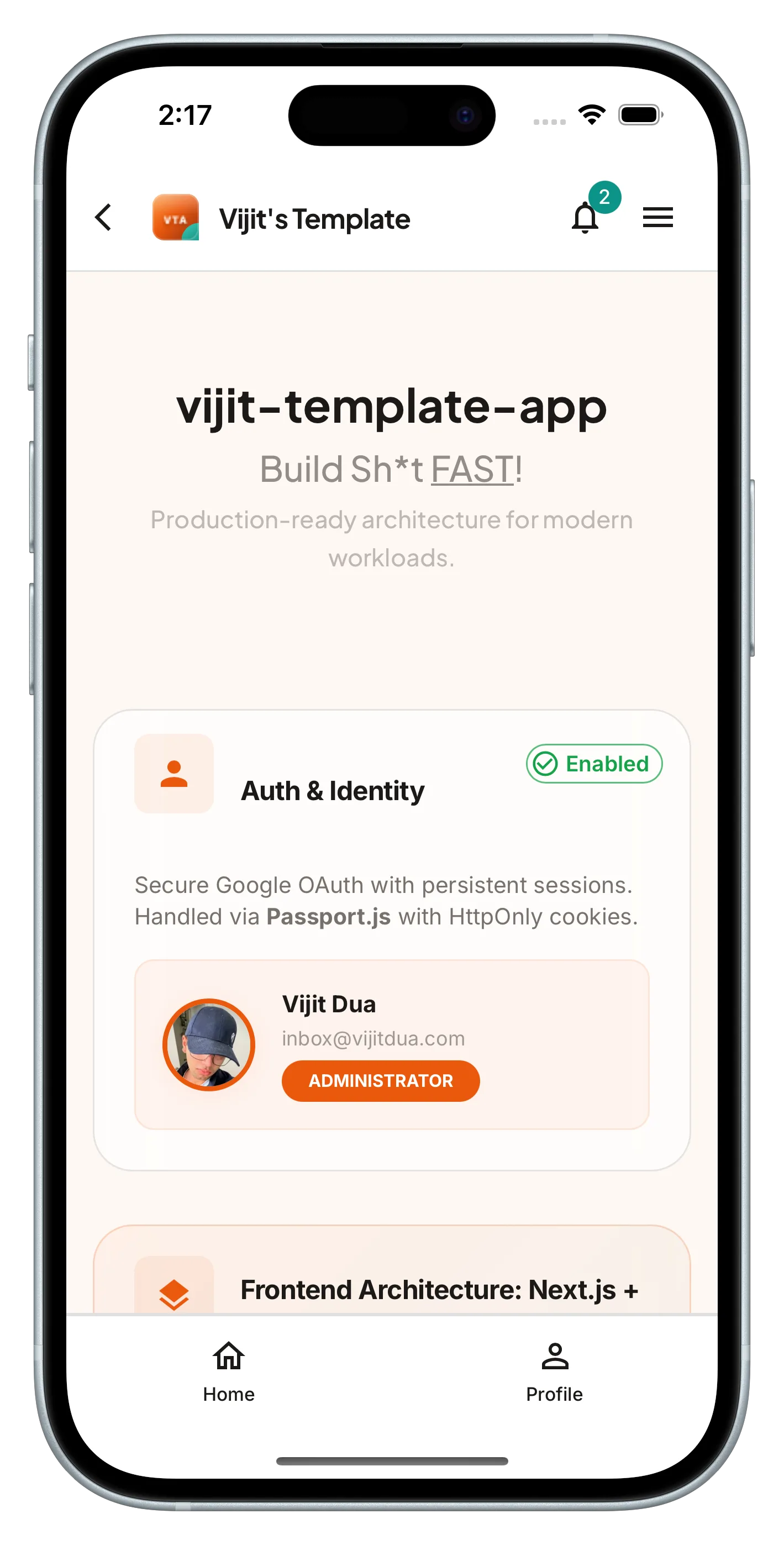
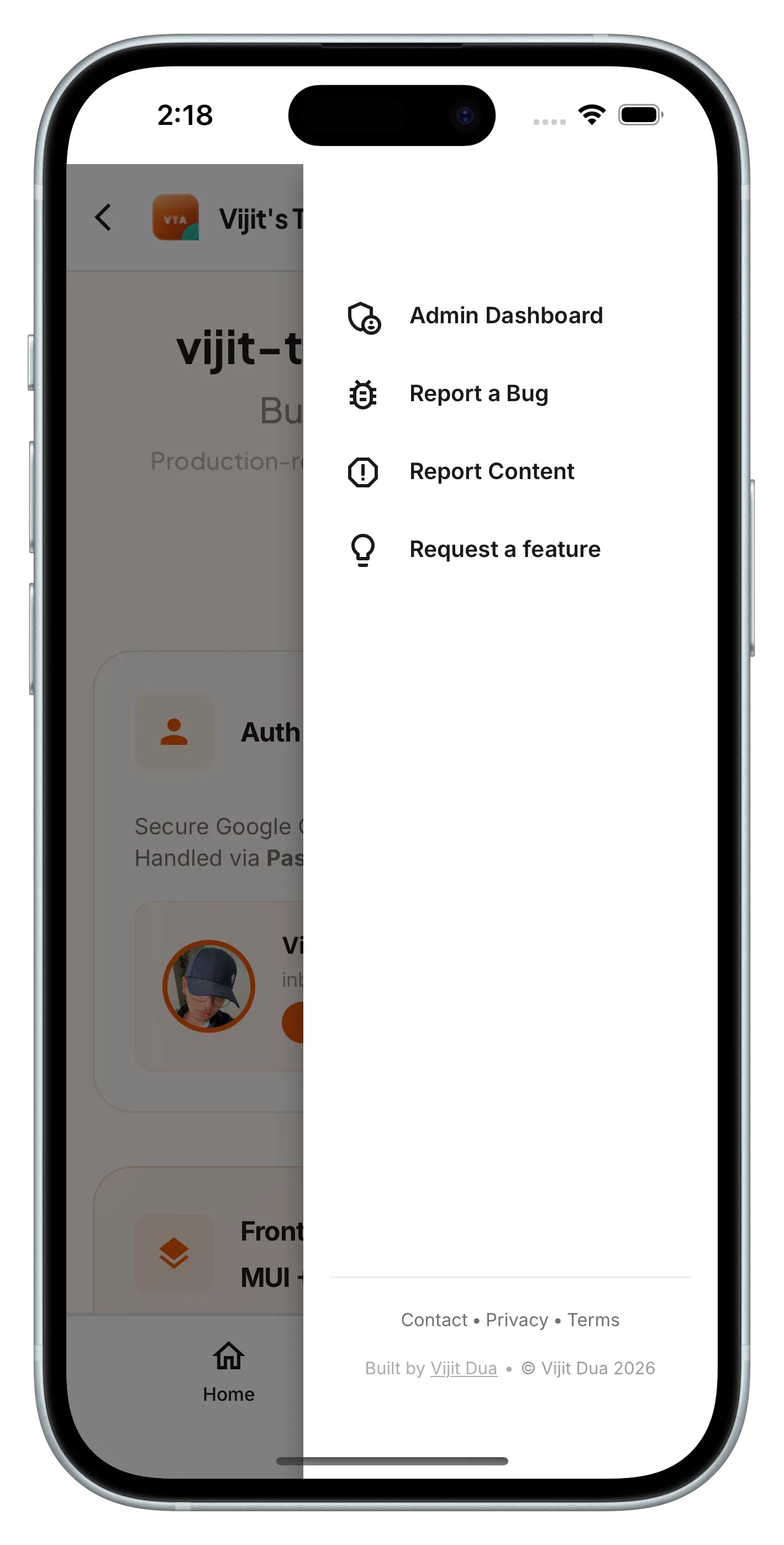
PWA standalone + navigation:
Architecture
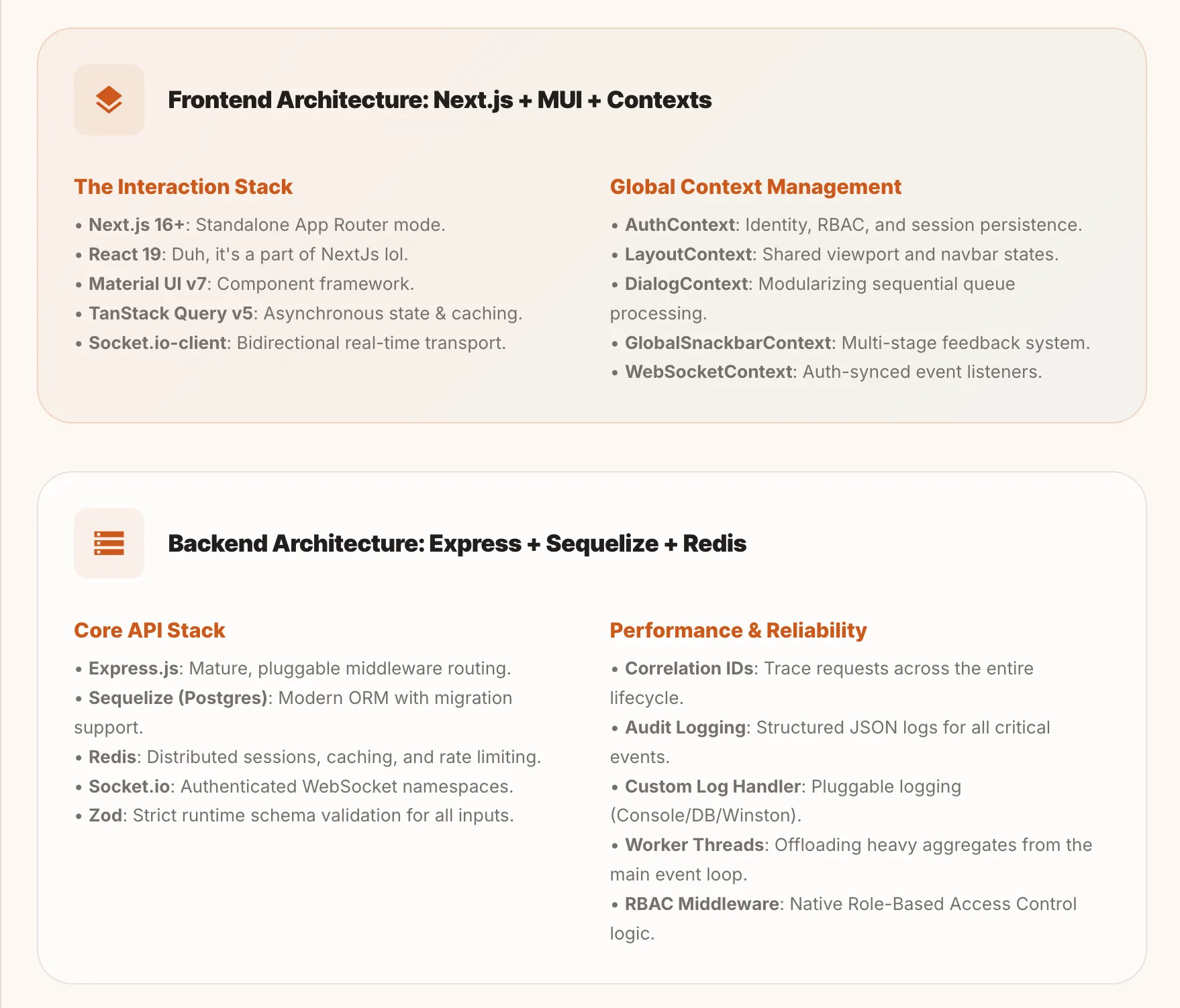
The frontend uses Next.js with MUI and global React contexts for auth, layout, dialogs, and WebSocket state. The backend uses Express with Sequelize, Redis, and Socket.io. Both stacks share Zod schemas for type-safe validation.
Setup
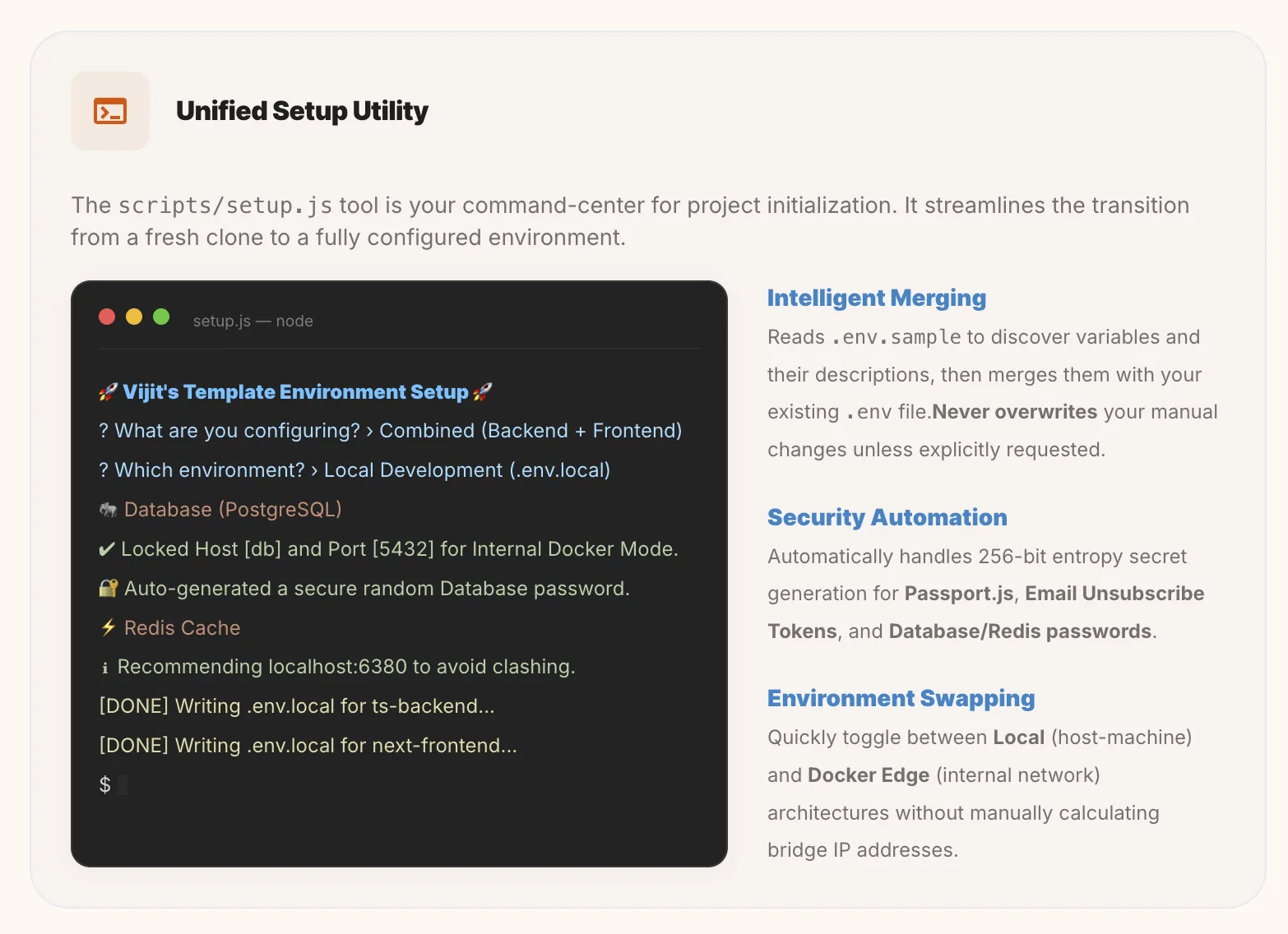
- Clone your working copy and run the setup script — it handles env files, database migrations, and dependency installation.
Auth, Profiles & Sessions
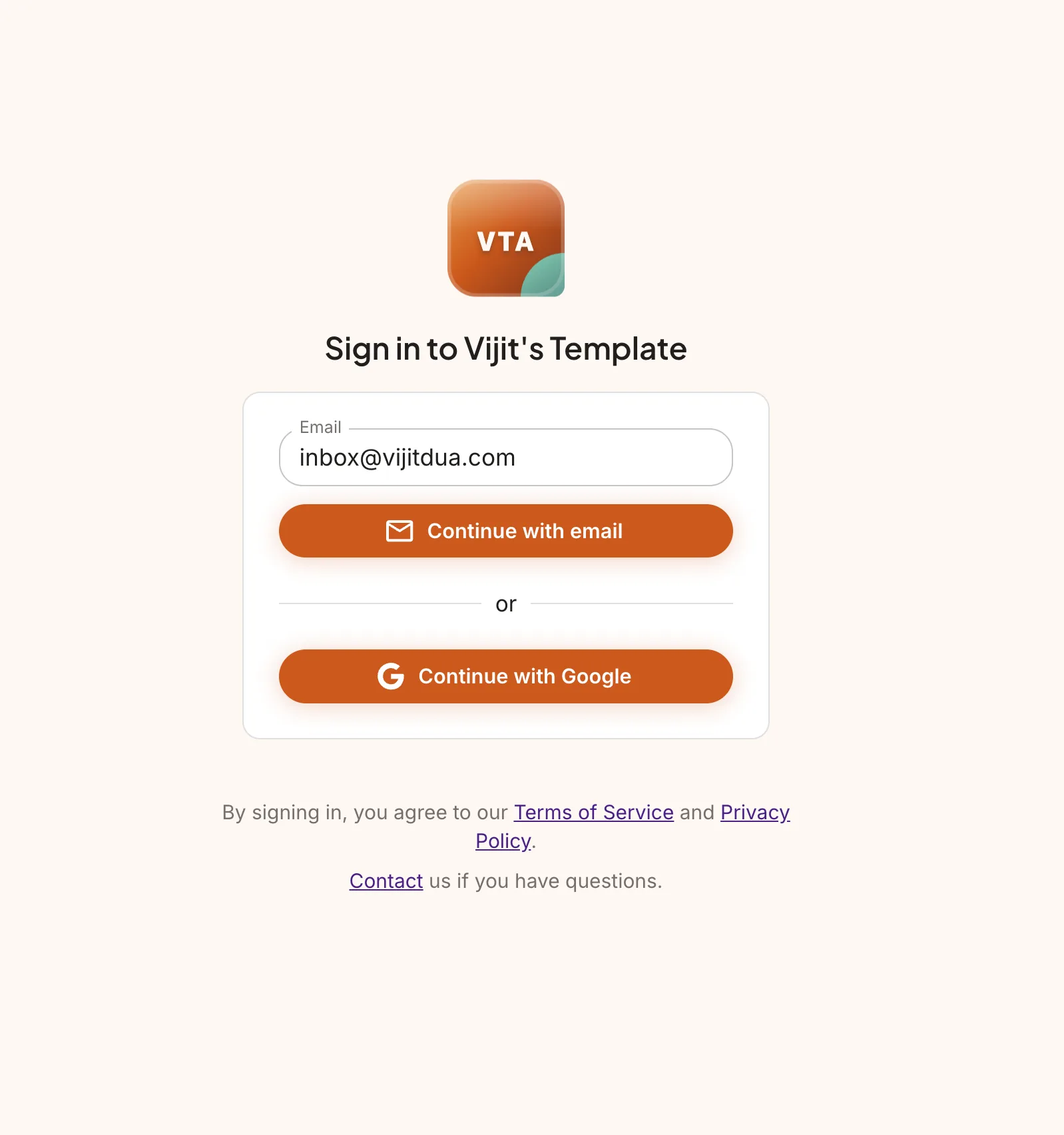
- Google OAuth via Passport.js with HttpOnly cookie sessions stored in Redis.
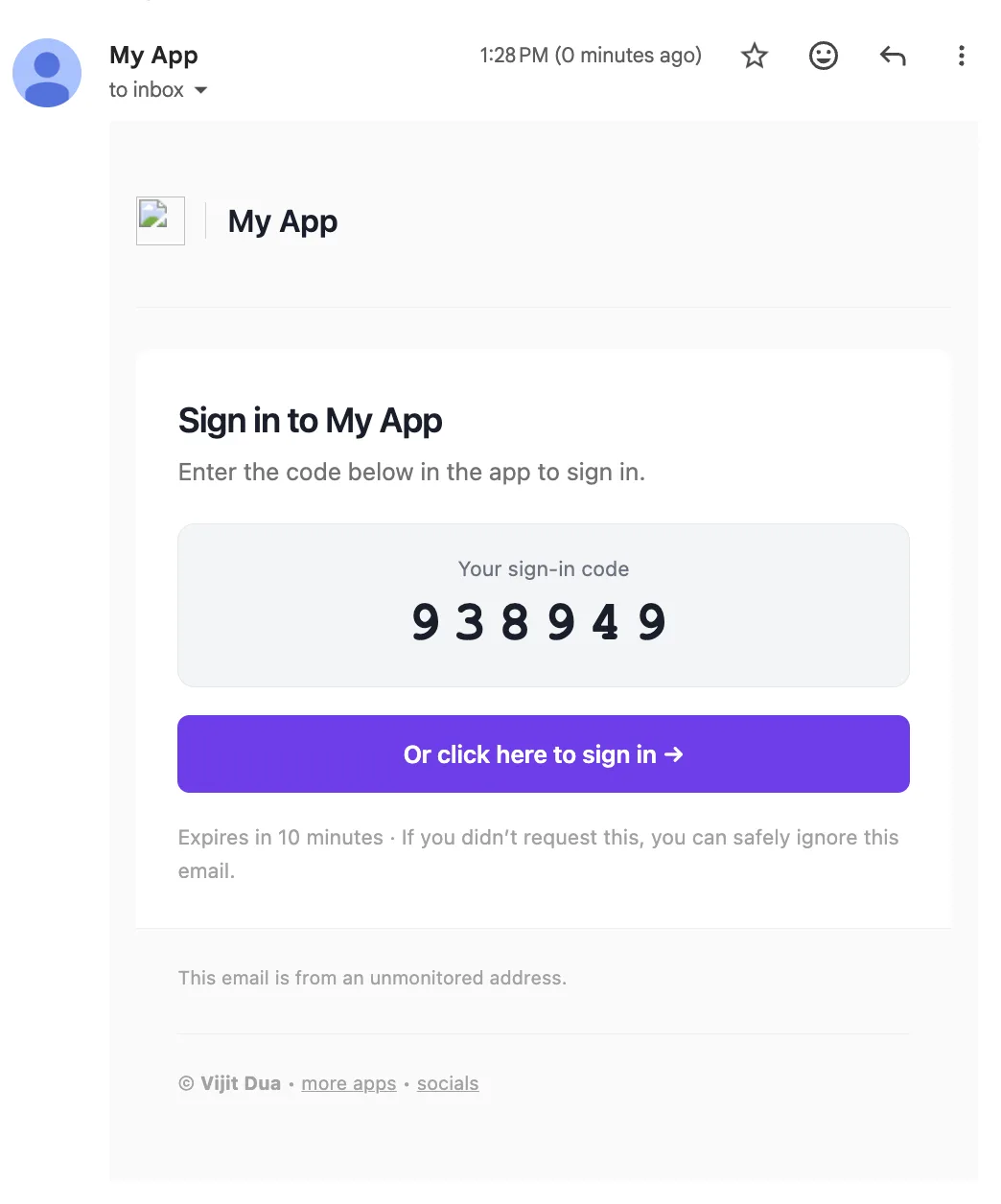
- Passwordless email login
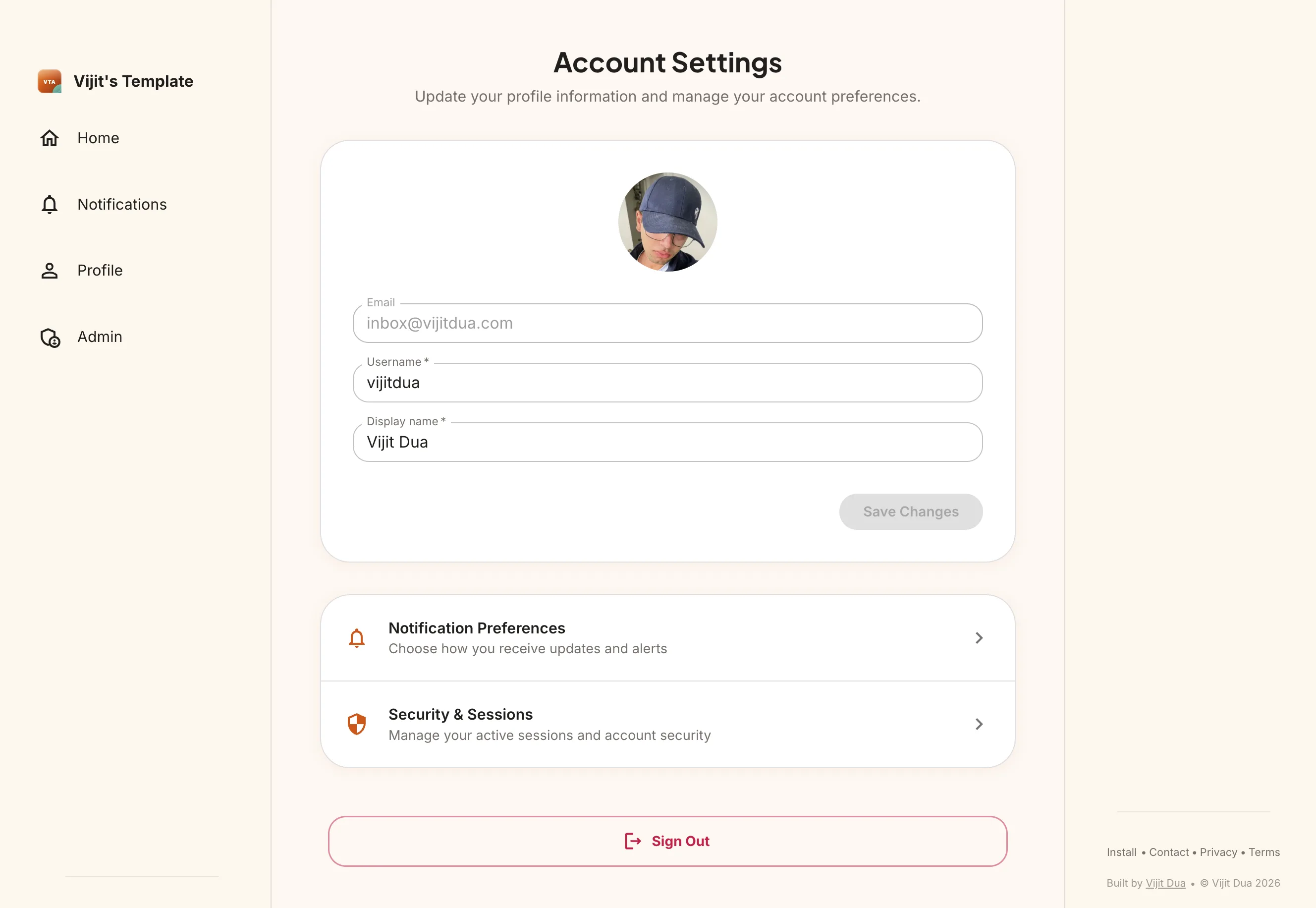
- Profile management with avatar uploads via R2.
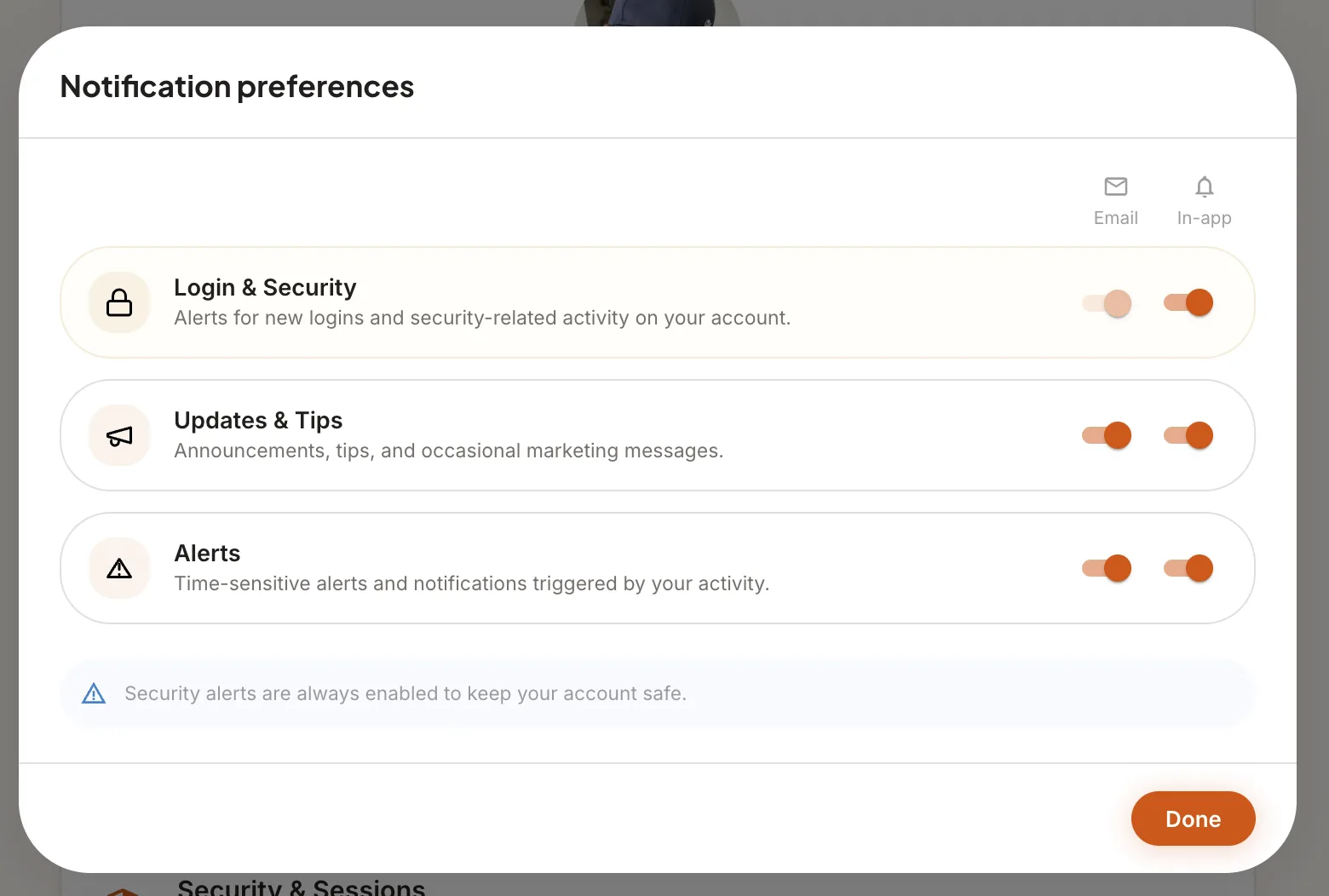
- Per-user notification preference syncing.
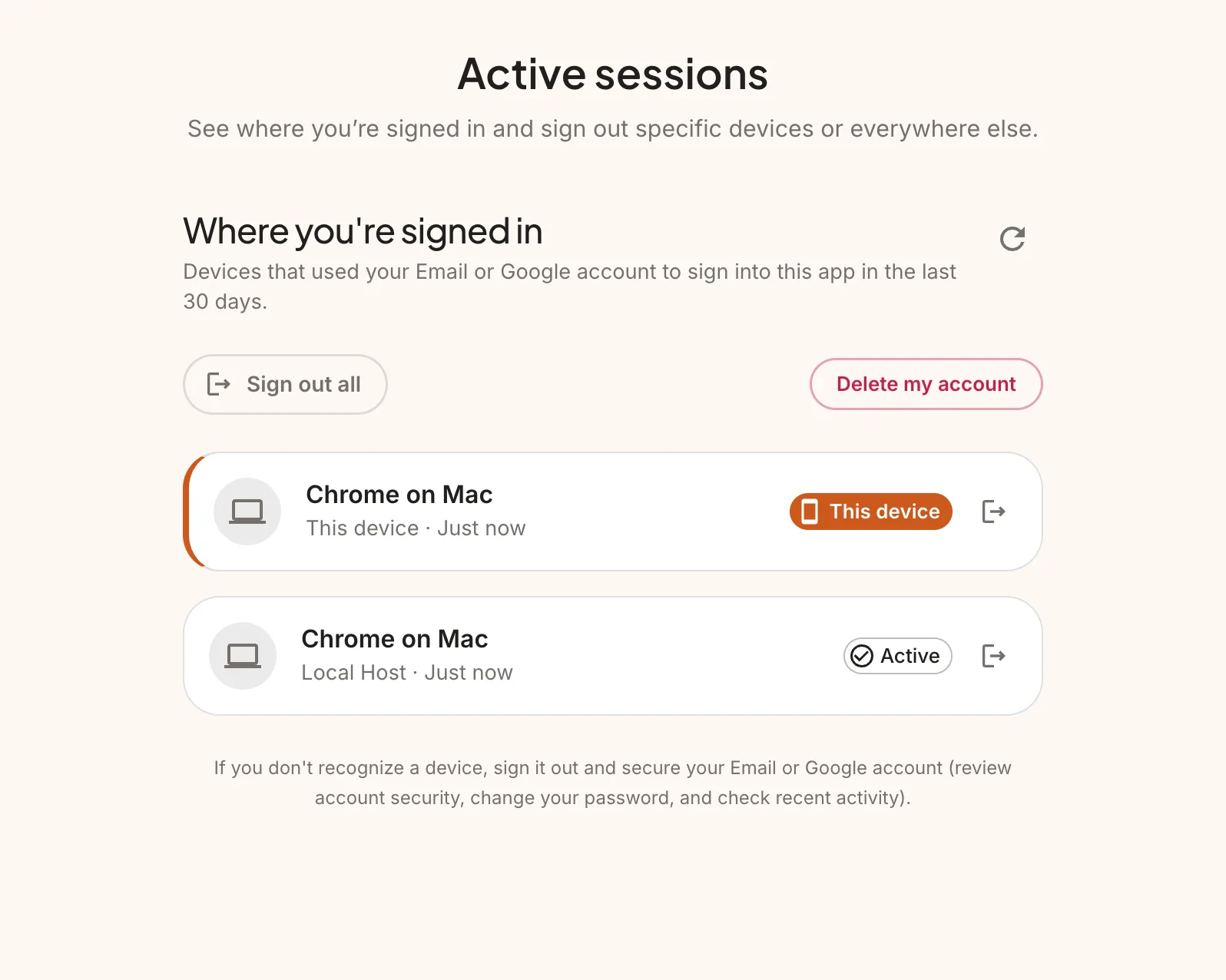
- Active session tracking — users can view and revoke their sessions.
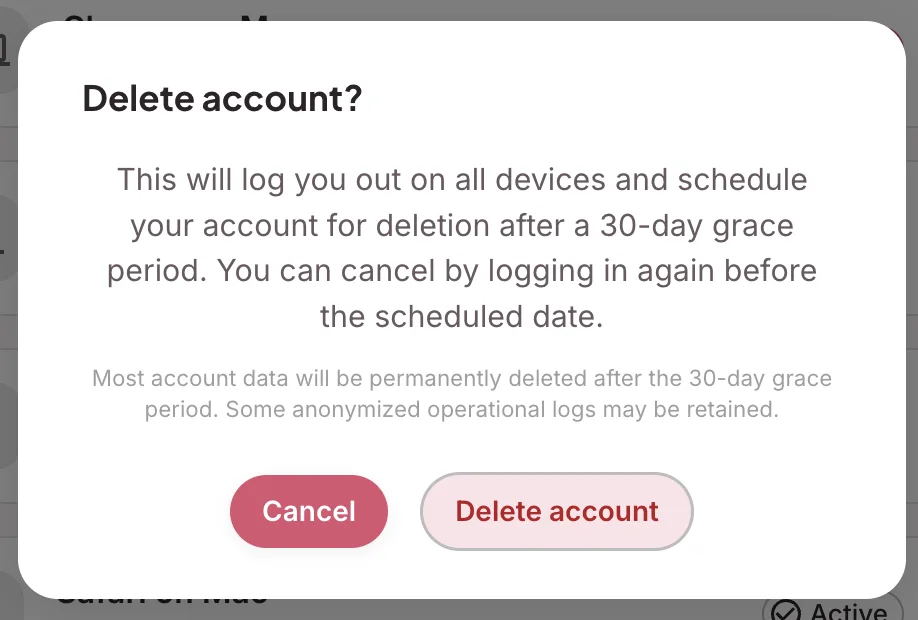
- Account deletion with a configurable grace period before permanent removal.
Notifications
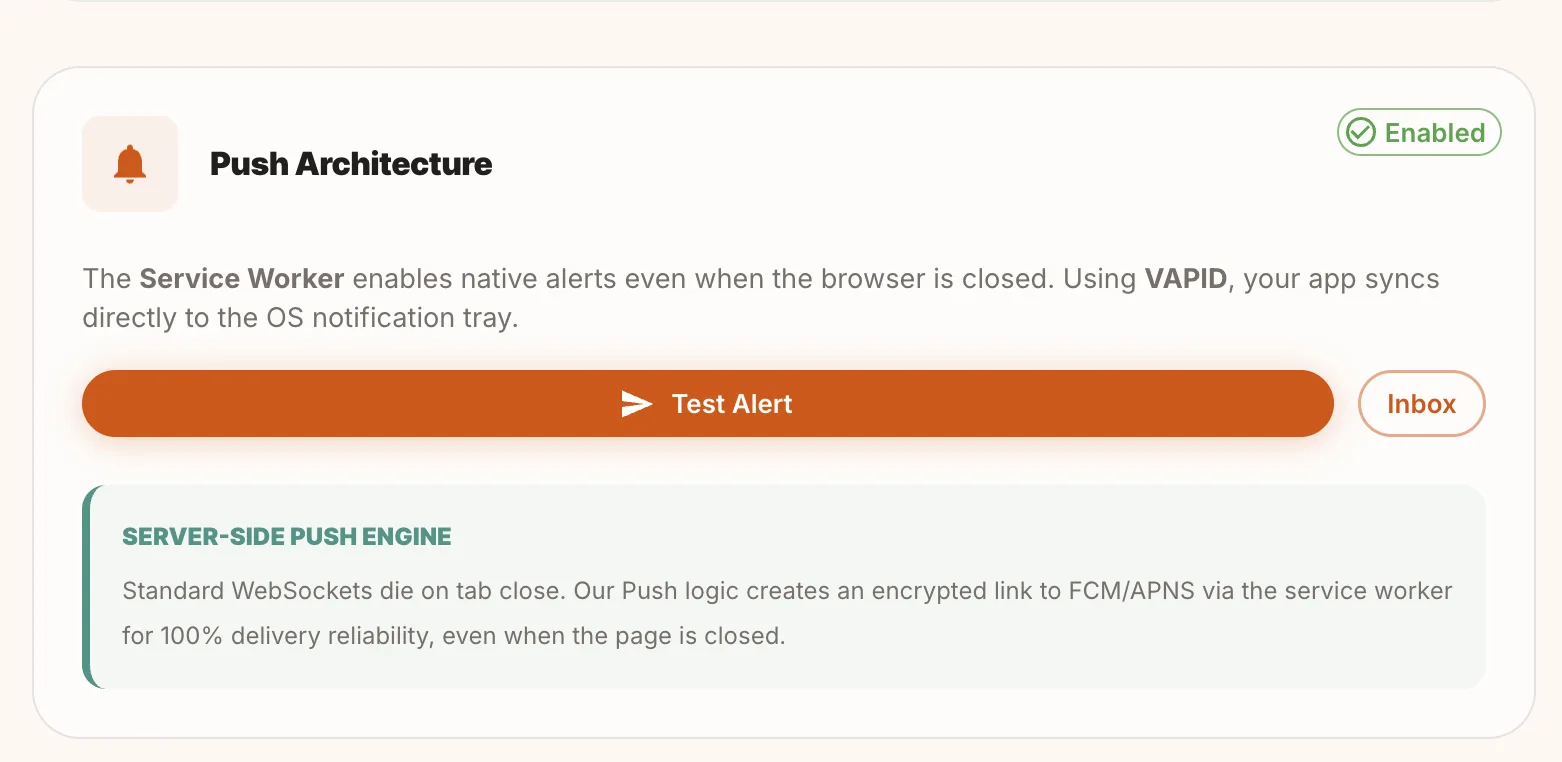
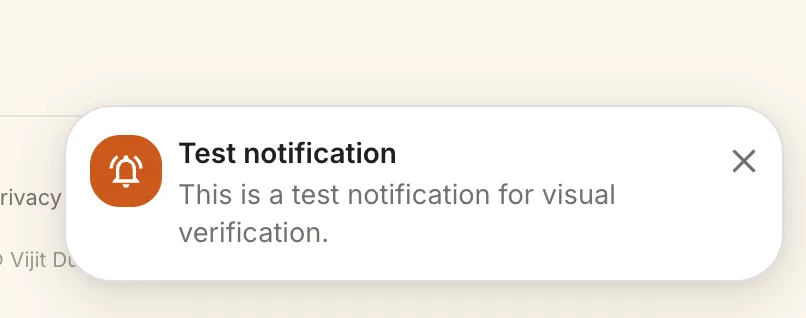
- VAPID-based push notifications — users get native browser push even when the app is closed.
- Service worker persists on tab close. Push logic creates an encrypted link to FCM/APNs for delivery.
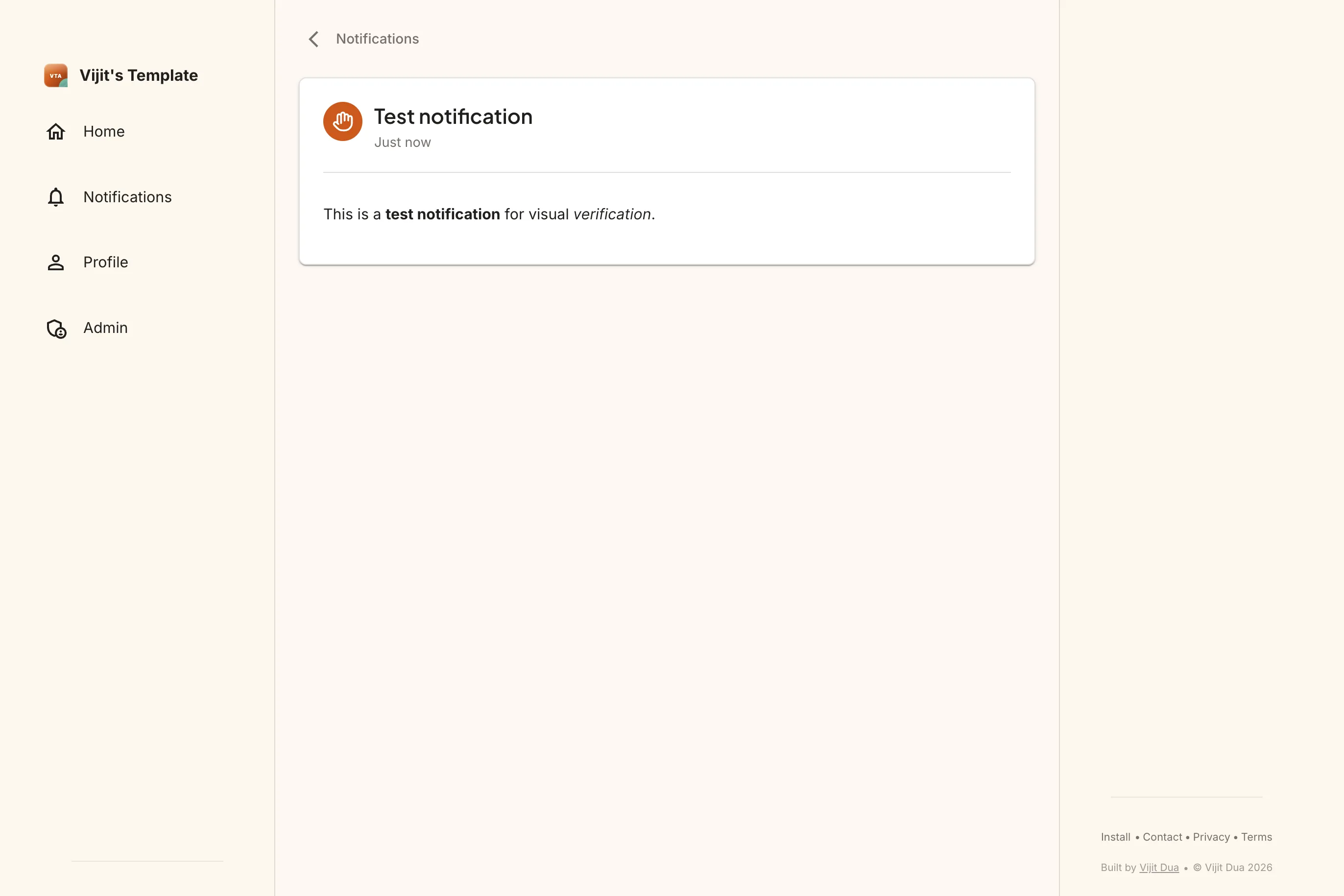
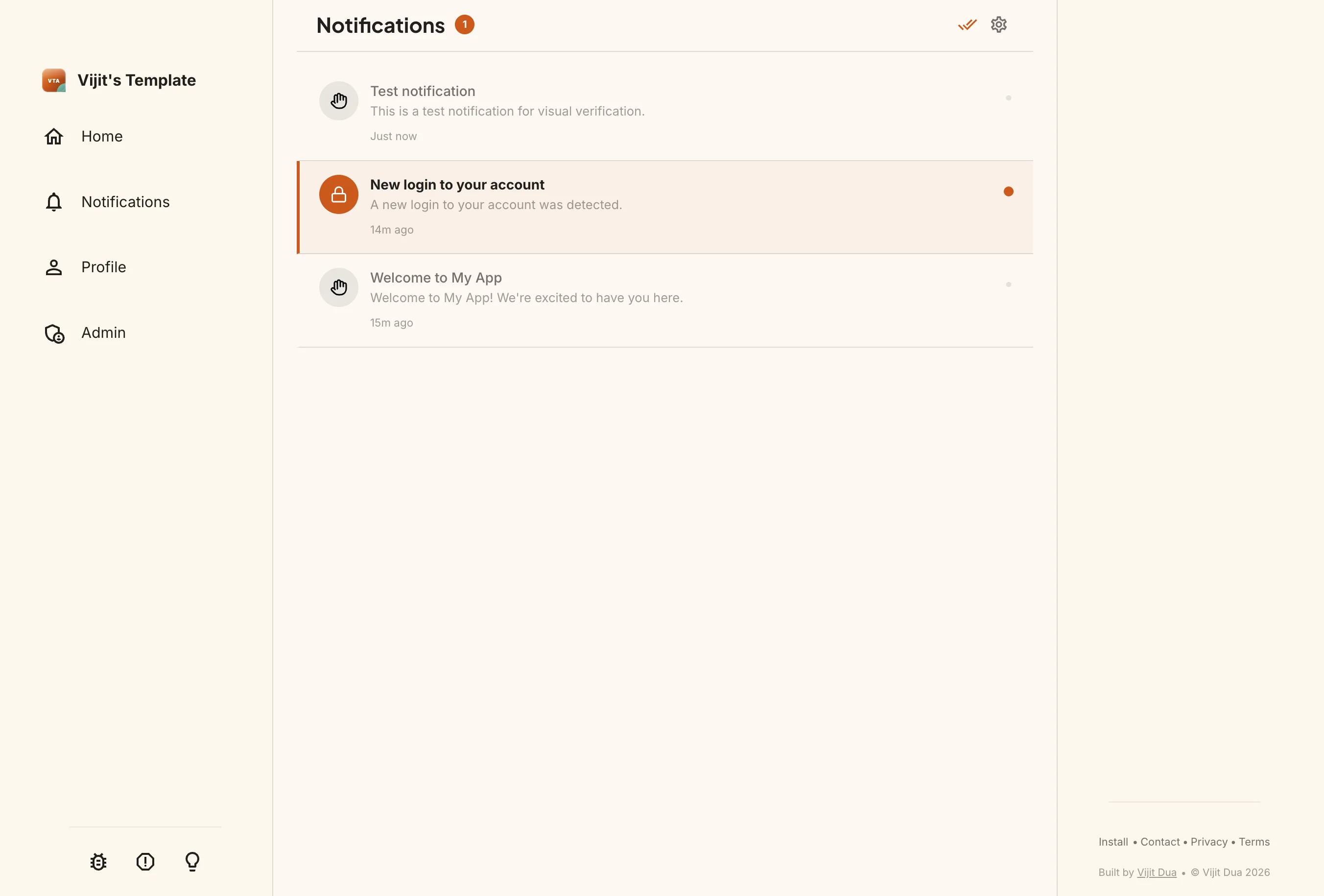
- In-app notification center with read/unread states.
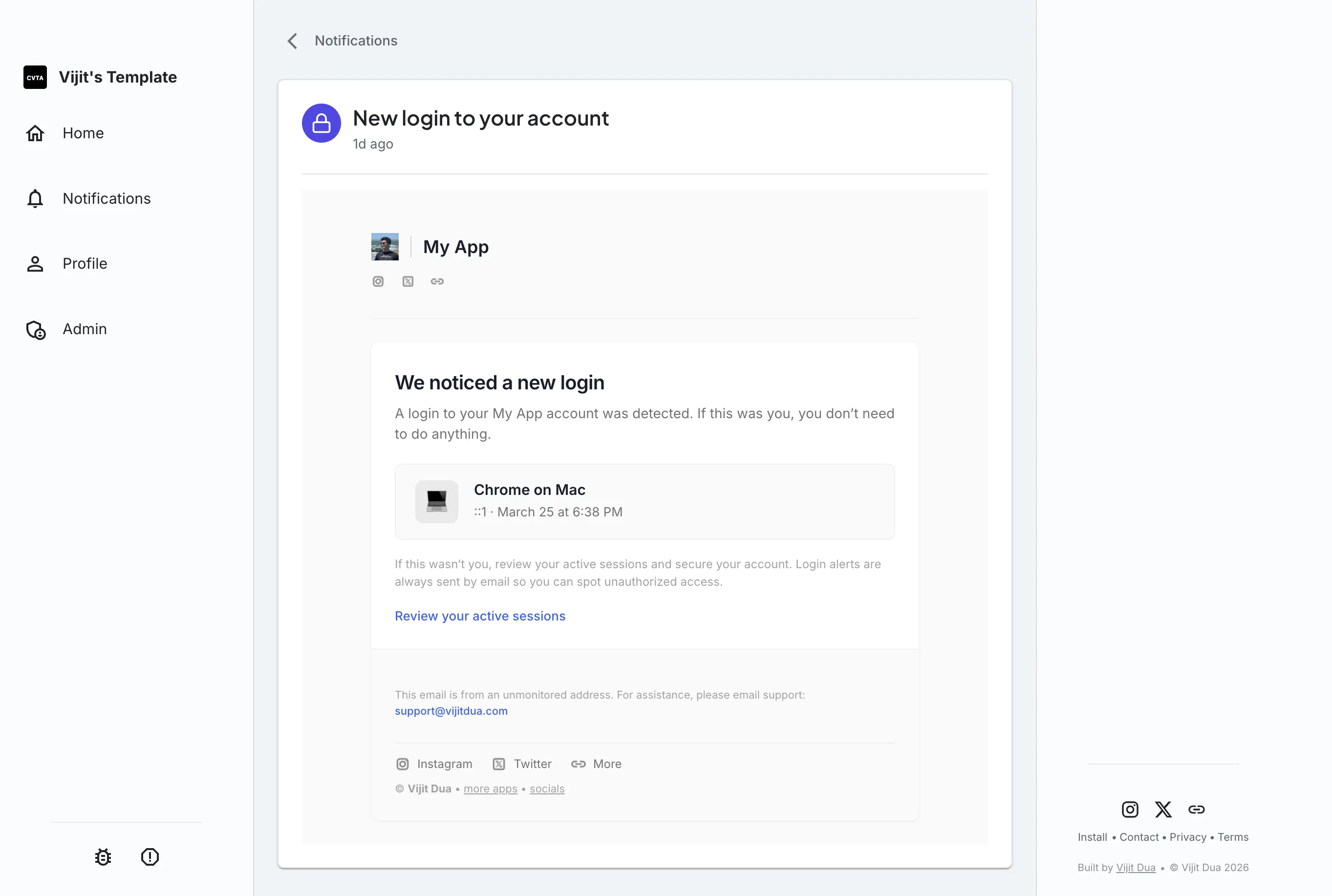
- Login alerts — users are notified when their account is accessed from a new device.
Reporting
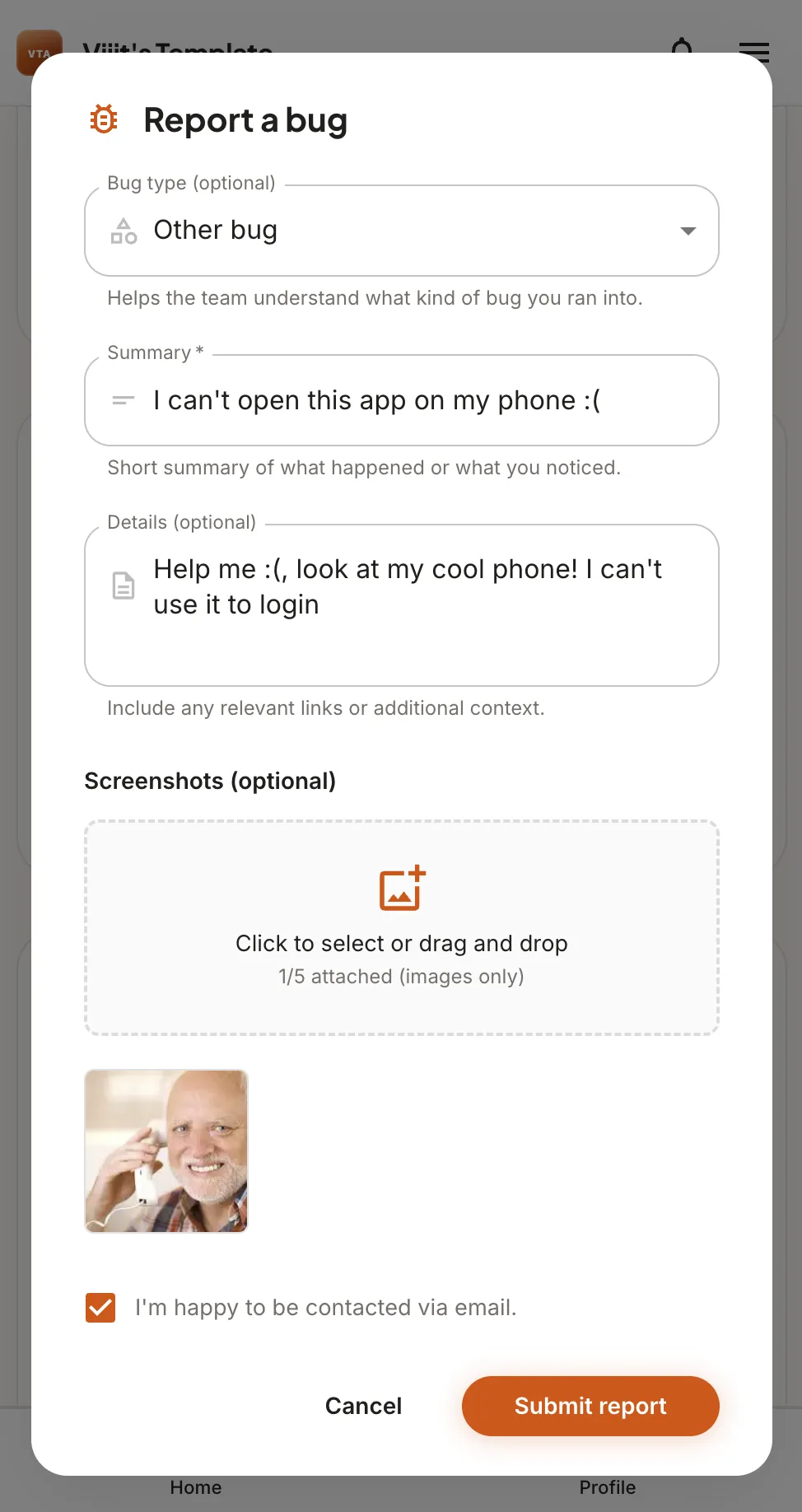
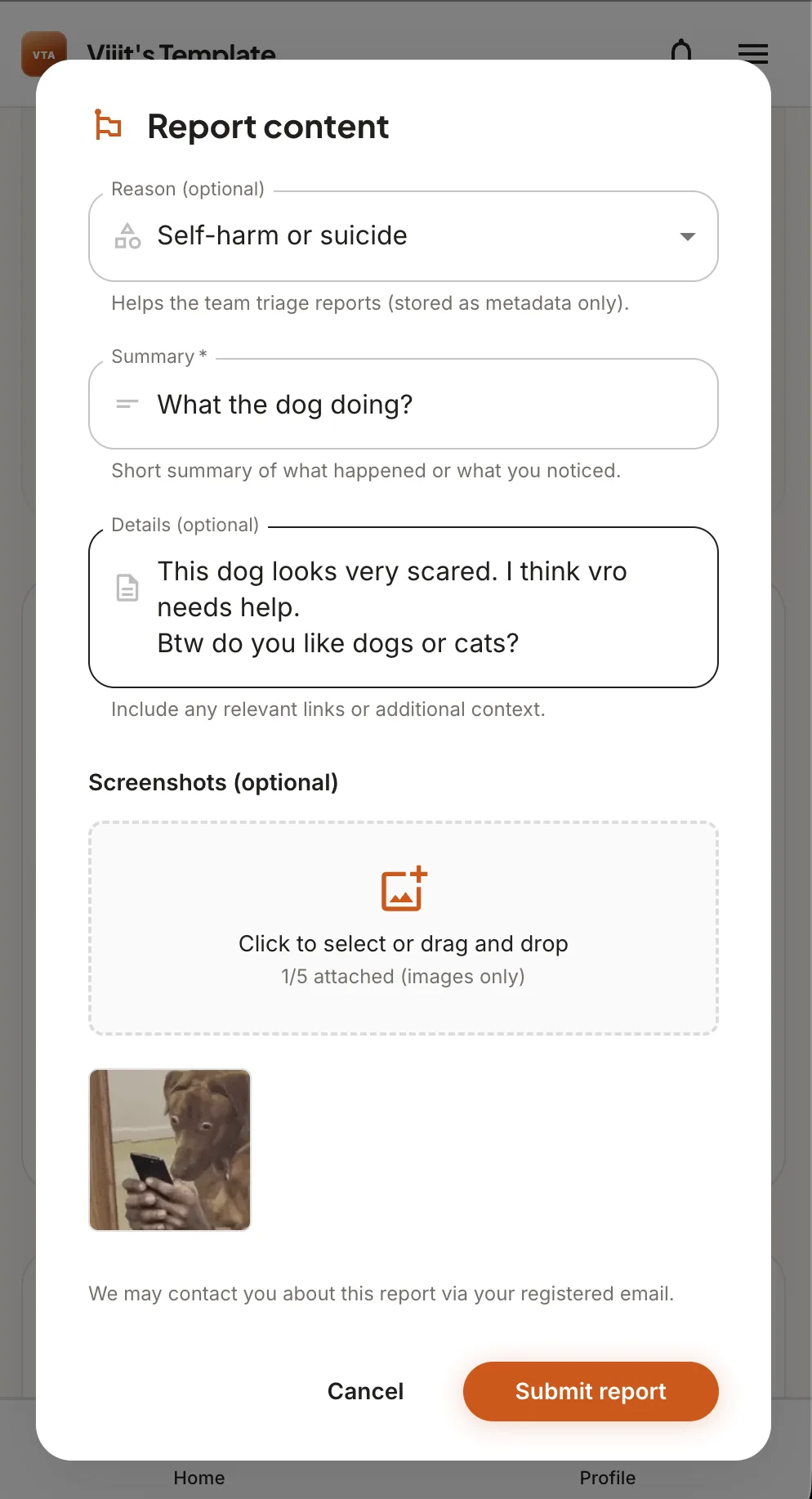
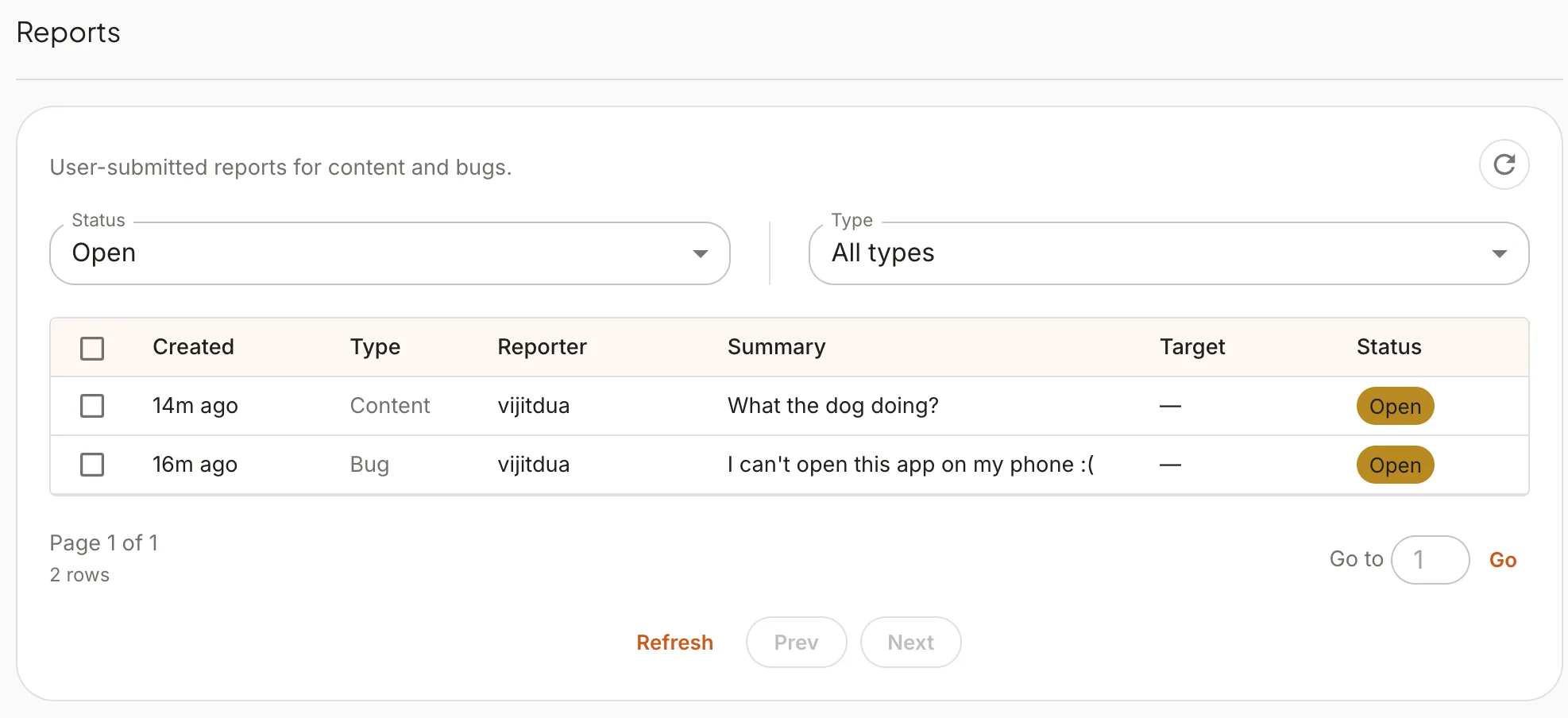
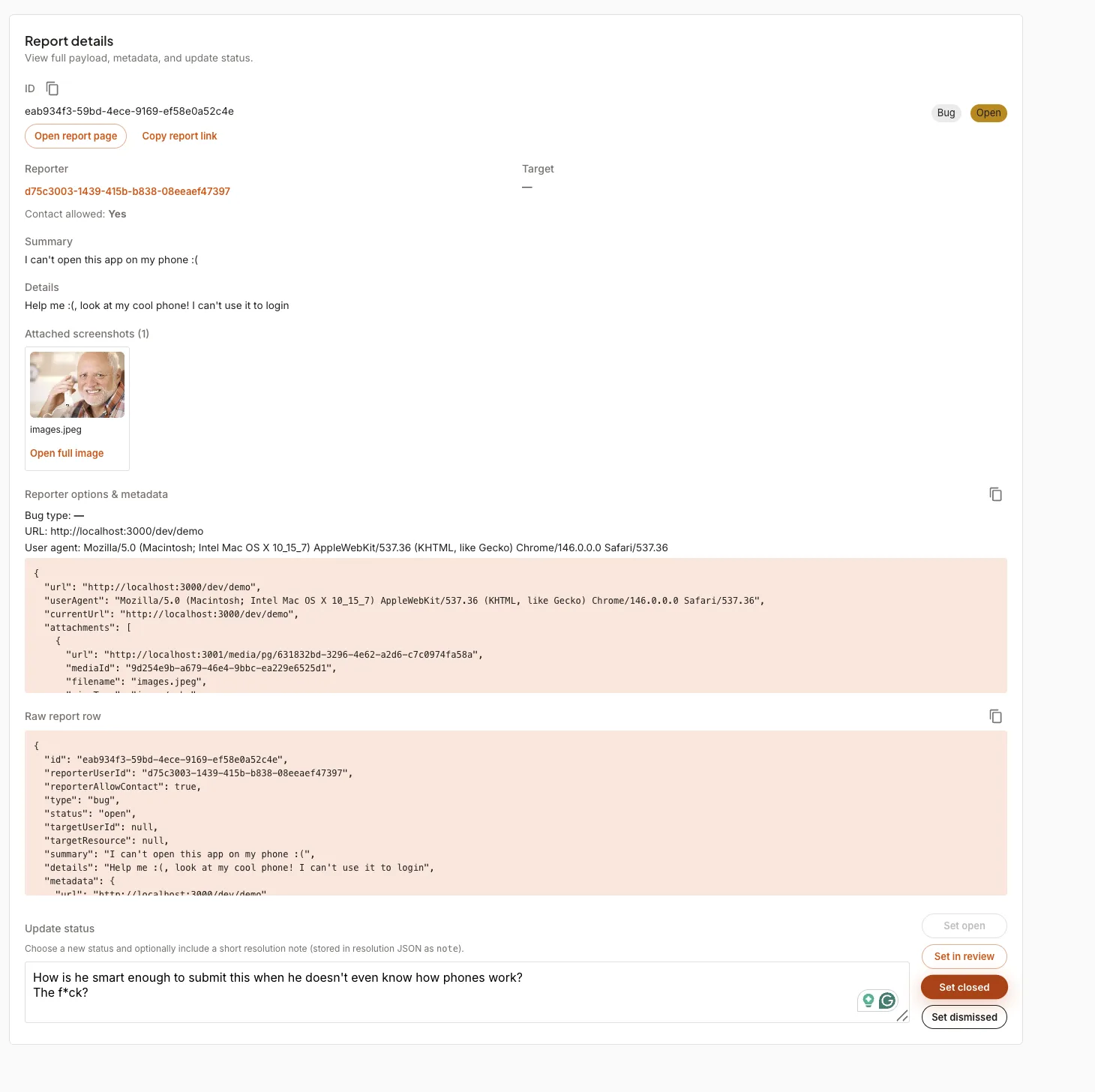
- Users can report bugs and flag content directly from the UI.
- Bug reports support optional screenshots and categorization.
- Content reports target specific users or items for admin review.
Feature Requests
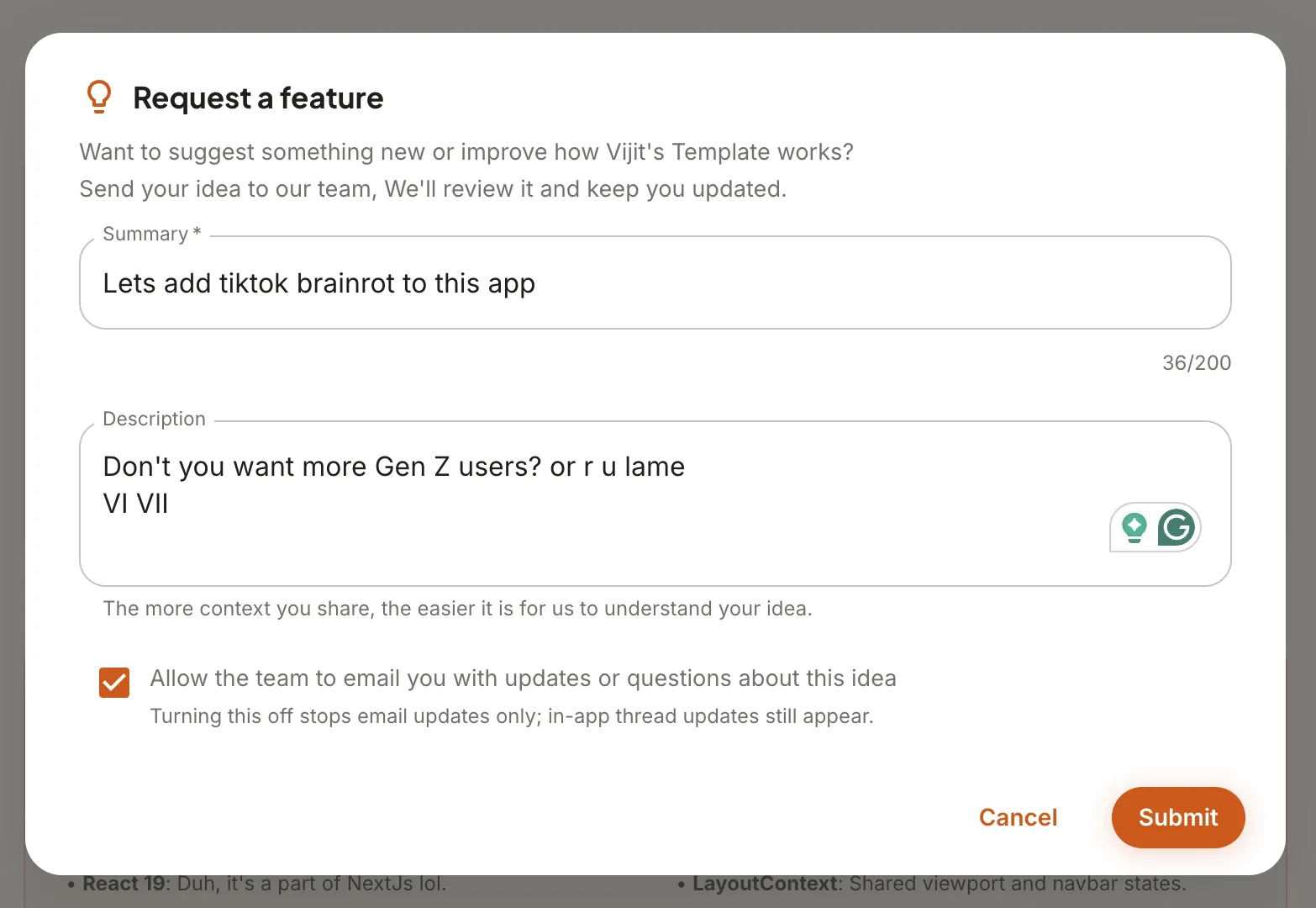
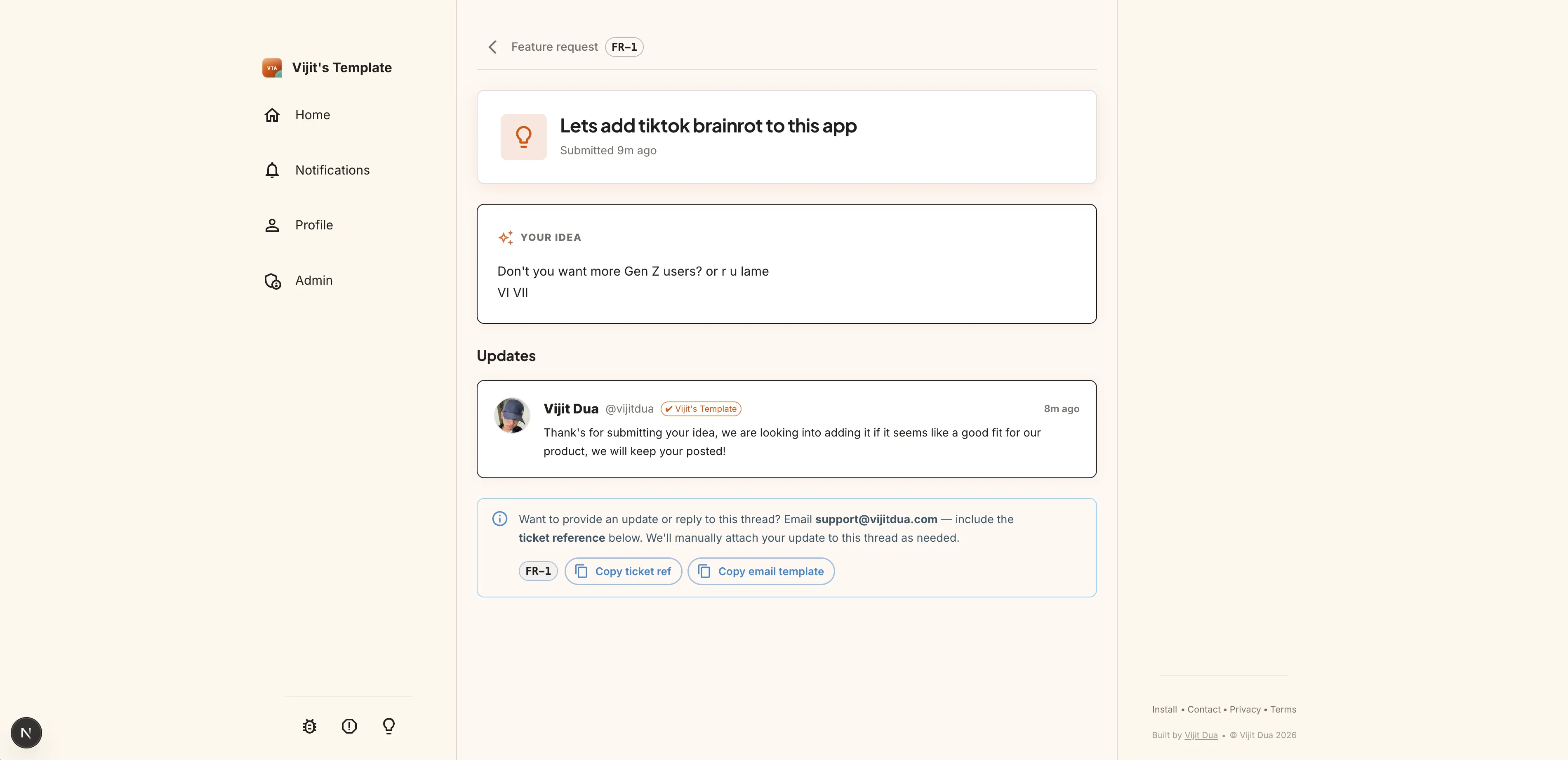
- Users can submit feature ideas from the app; requests sync with a GitHub-backed workflow for triage.
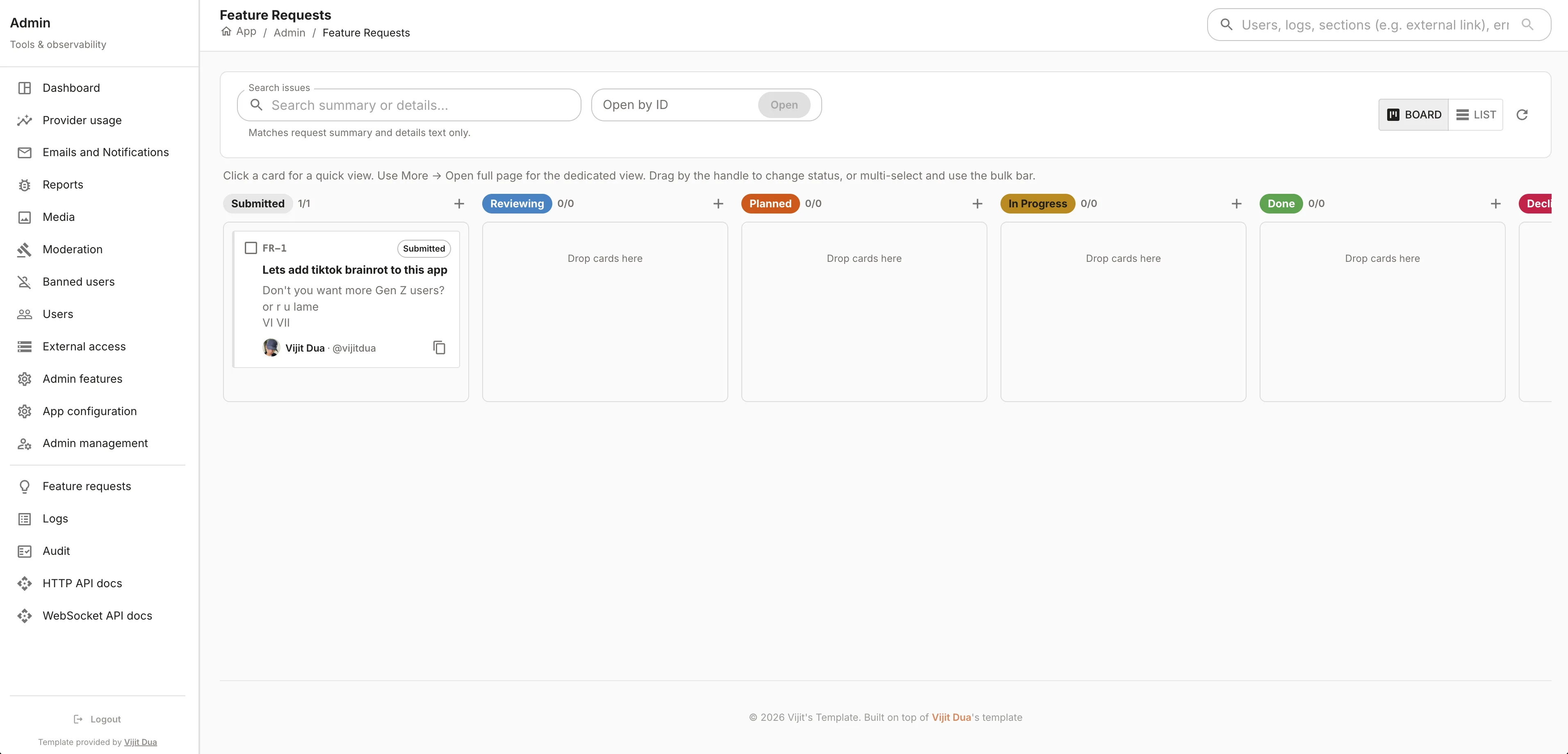
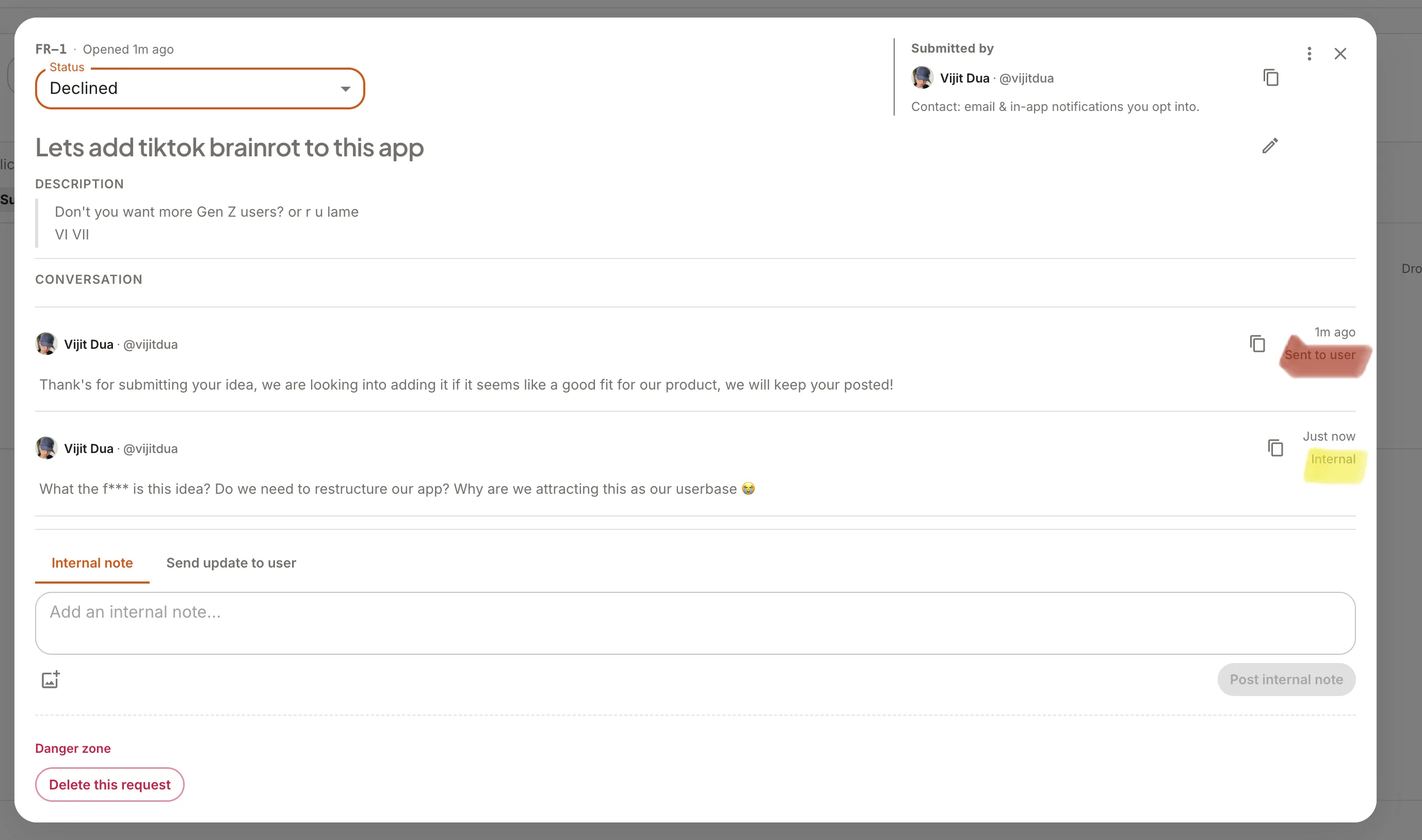
- Admins see a board-style view similar to GitHub projects board view (can also be used as an alternative for GitHub issues); users get a simple submit form and a thread of responses.
User — submit a feature request:
Admin — Feature Requests view:
Admin — reply / message on a request:
User — what they see (responses / thread):
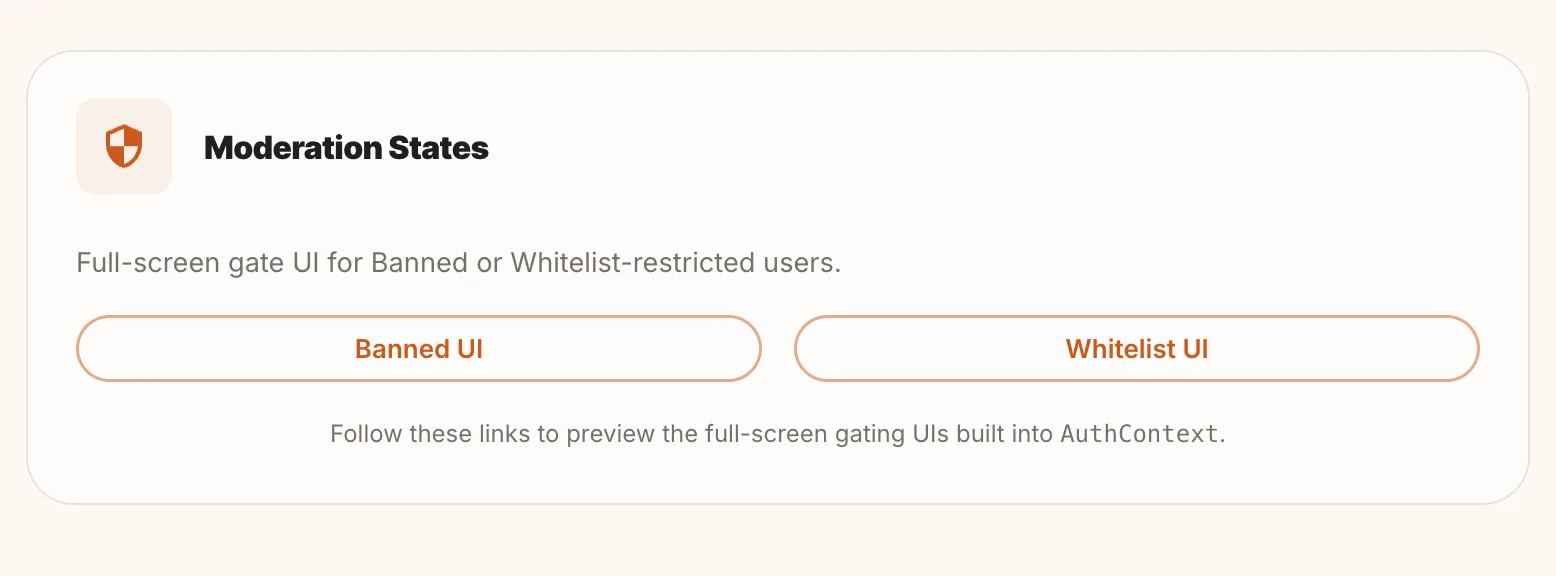
Moderation & Access Gating
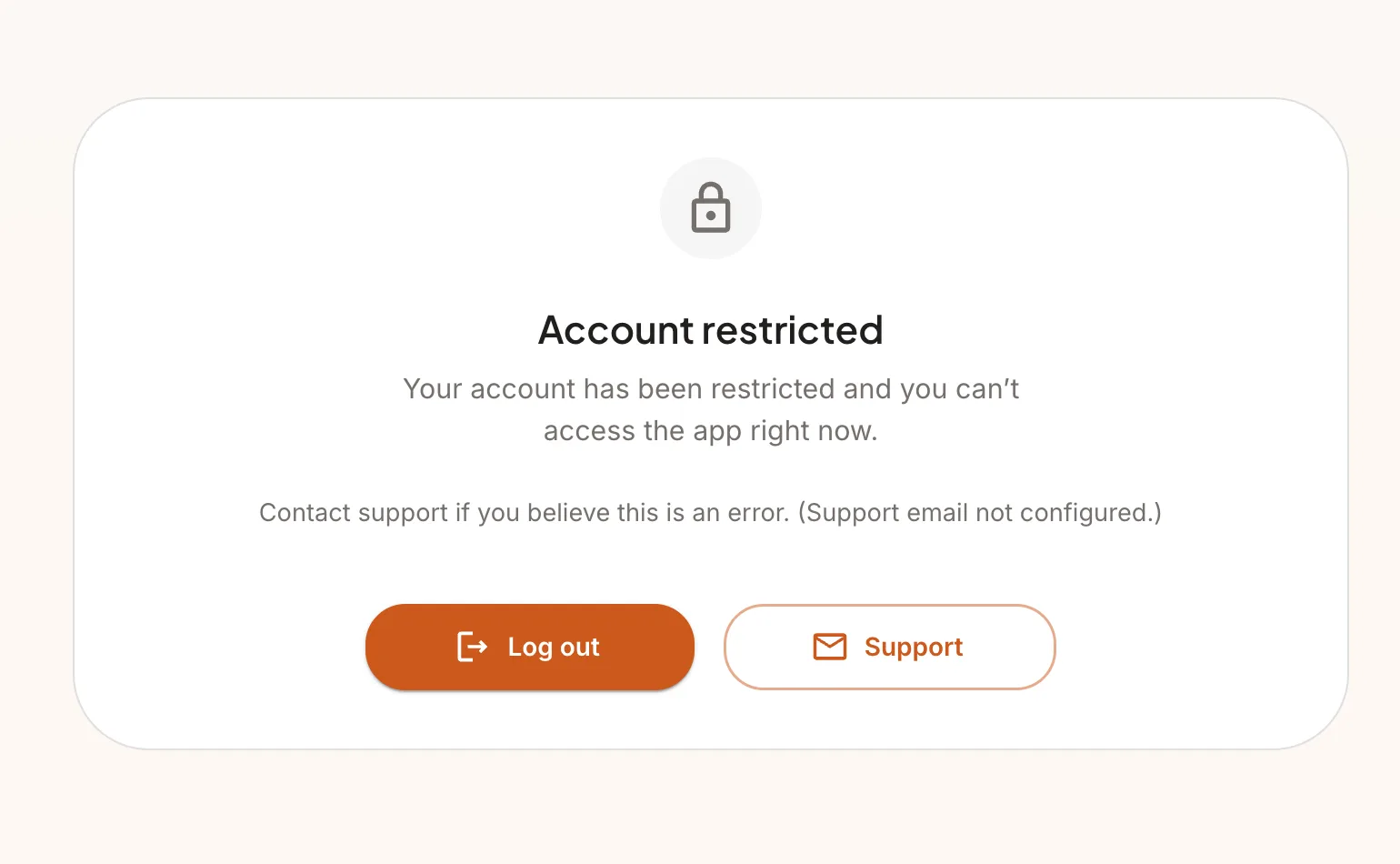
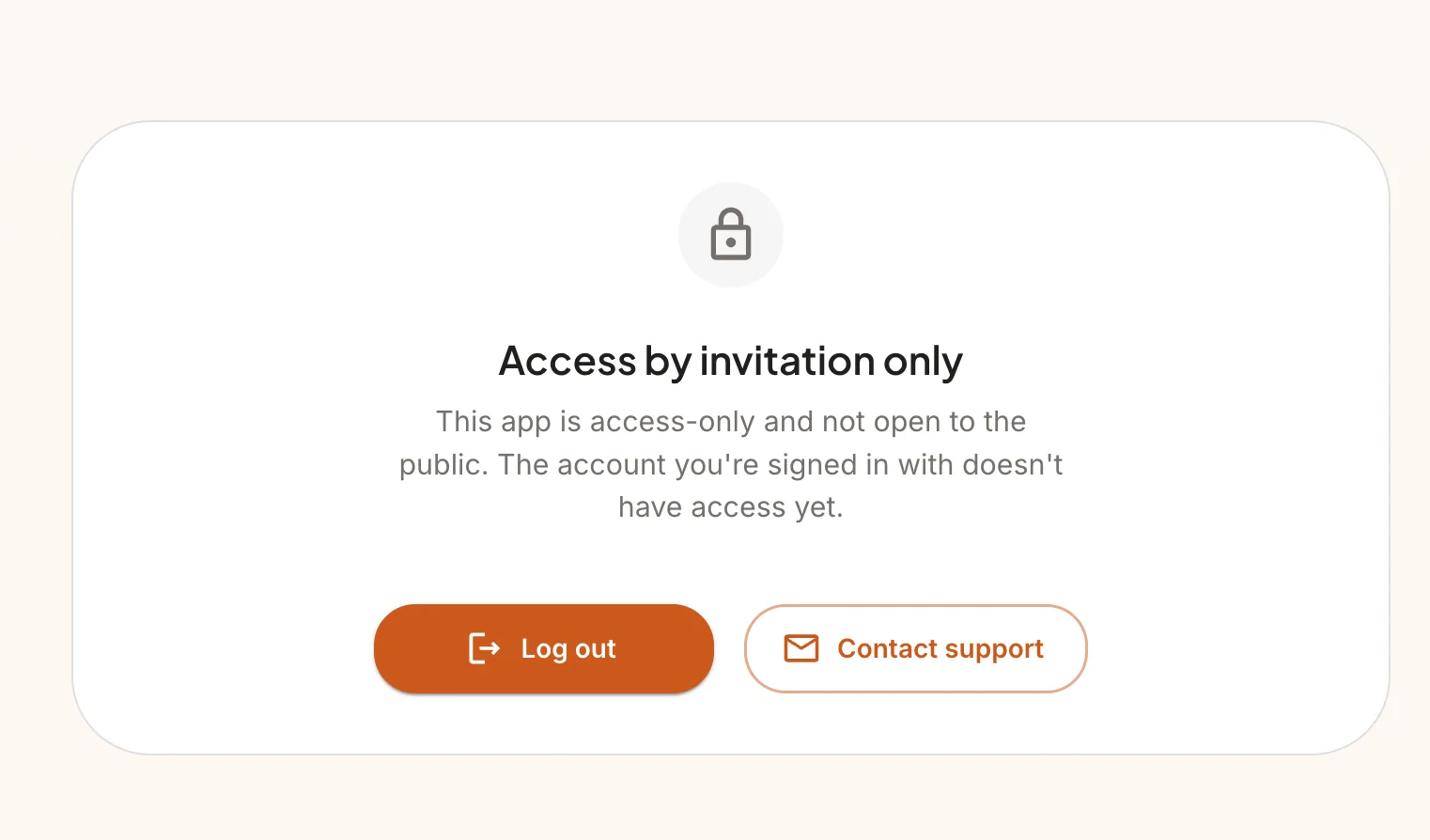
- Configurable account restriction modes: invitation-only (whitelist) and banned states.
- Full-screen gate UI blocks banned and whitelist-restricted users from accessing the app.
- Moderation states are configurable at runtime from the admin settings panel.
Media Uploads & Storage
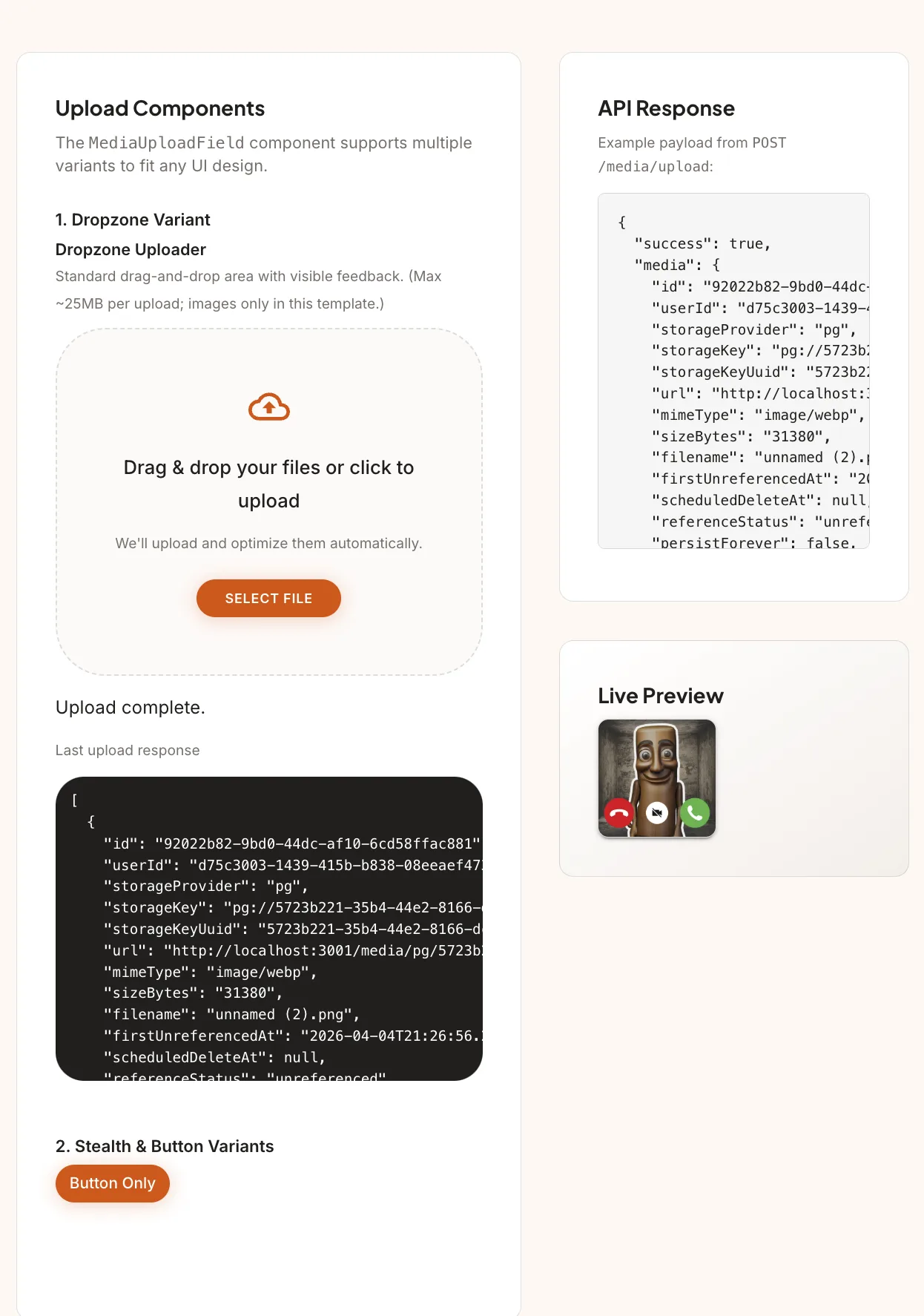
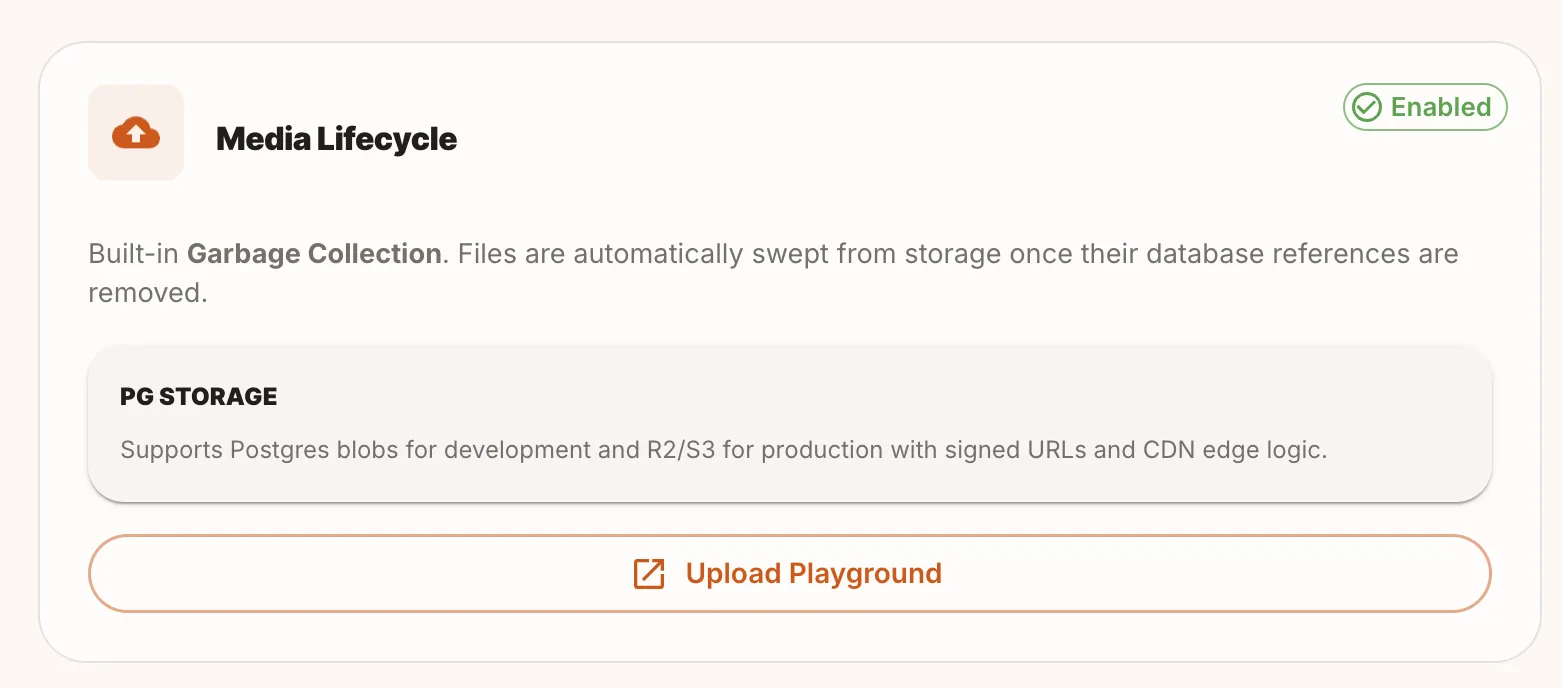
- Cloudflare R2 (S3-compatible) for production storage, local PostgreSQL blobs for dev.
- Multer handles multipart uploads with Zod validation on file types and sizes.
- Multiple upload UI variants: dropzone and stealth/button-only.
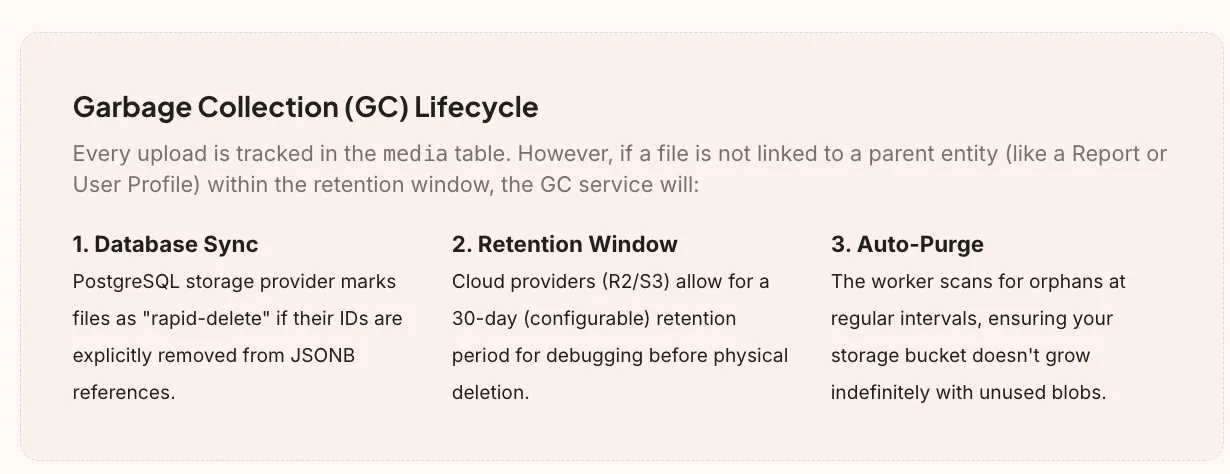
- Automated garbage collector runs as a separate Docker worker — sweeps orphan files from storage when their DB references are deleted.
- Resource limit scripts on the GC worker container so it doesn't affect the main API server.
Admin Dashboard & Observability
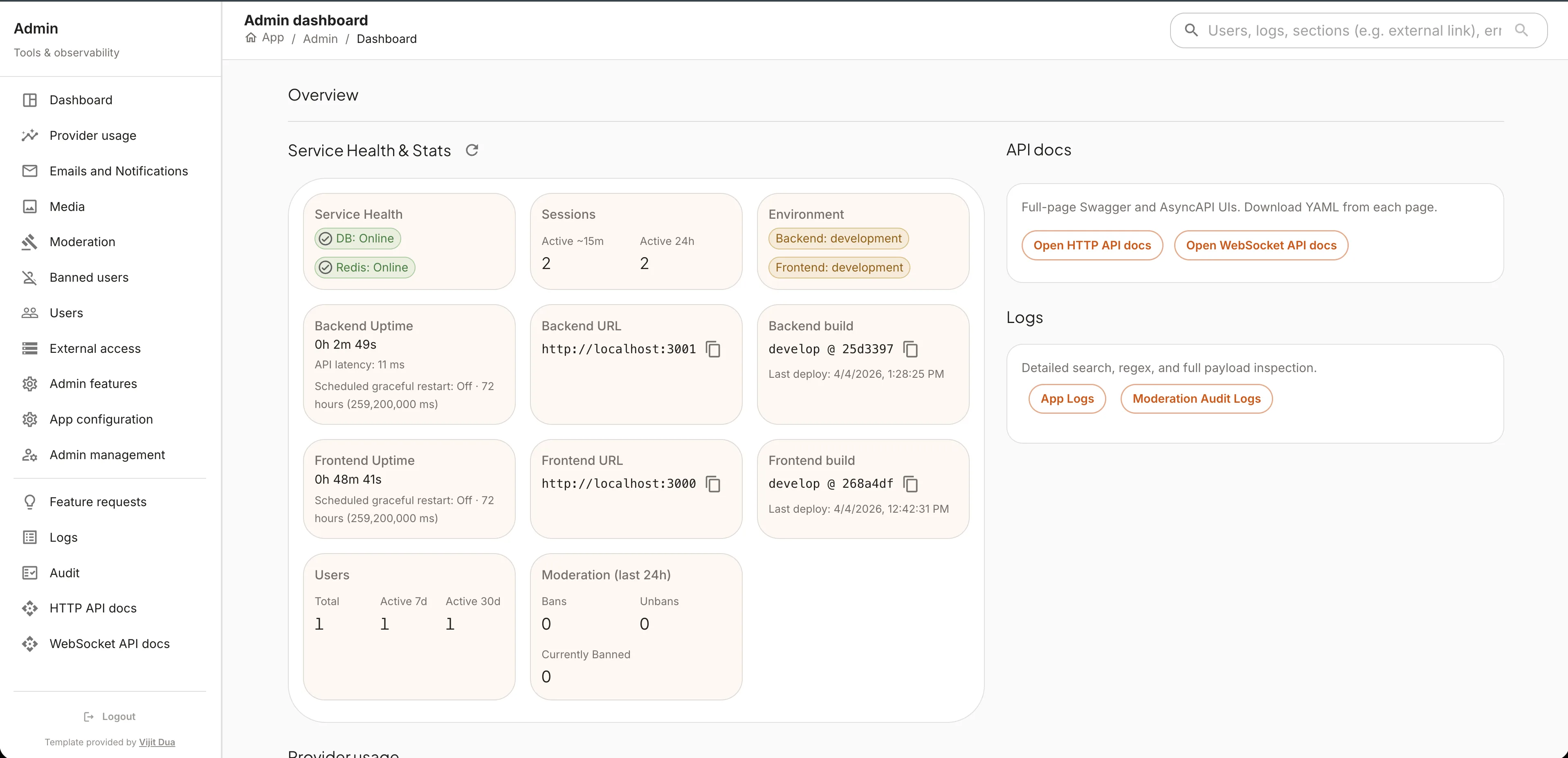
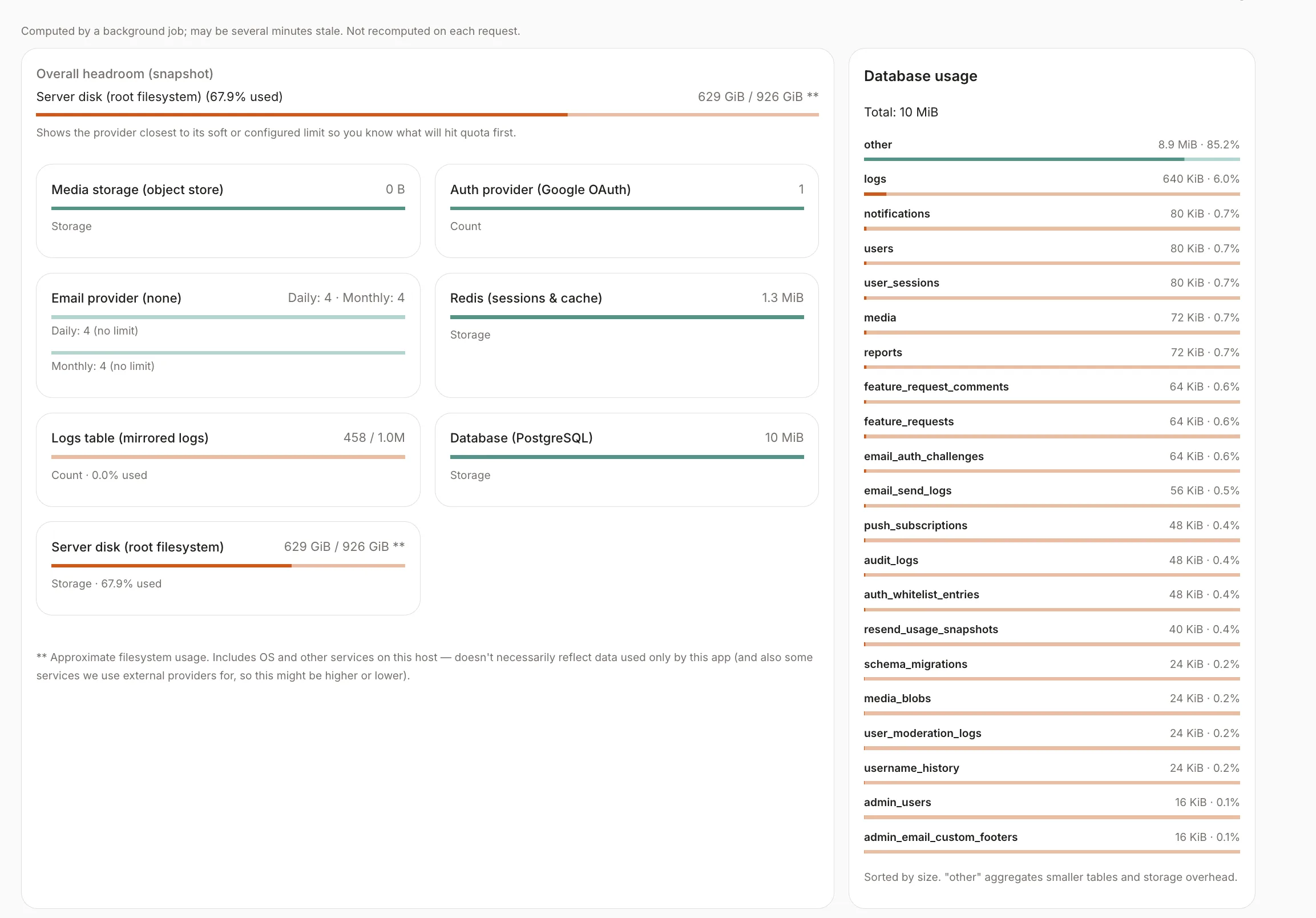
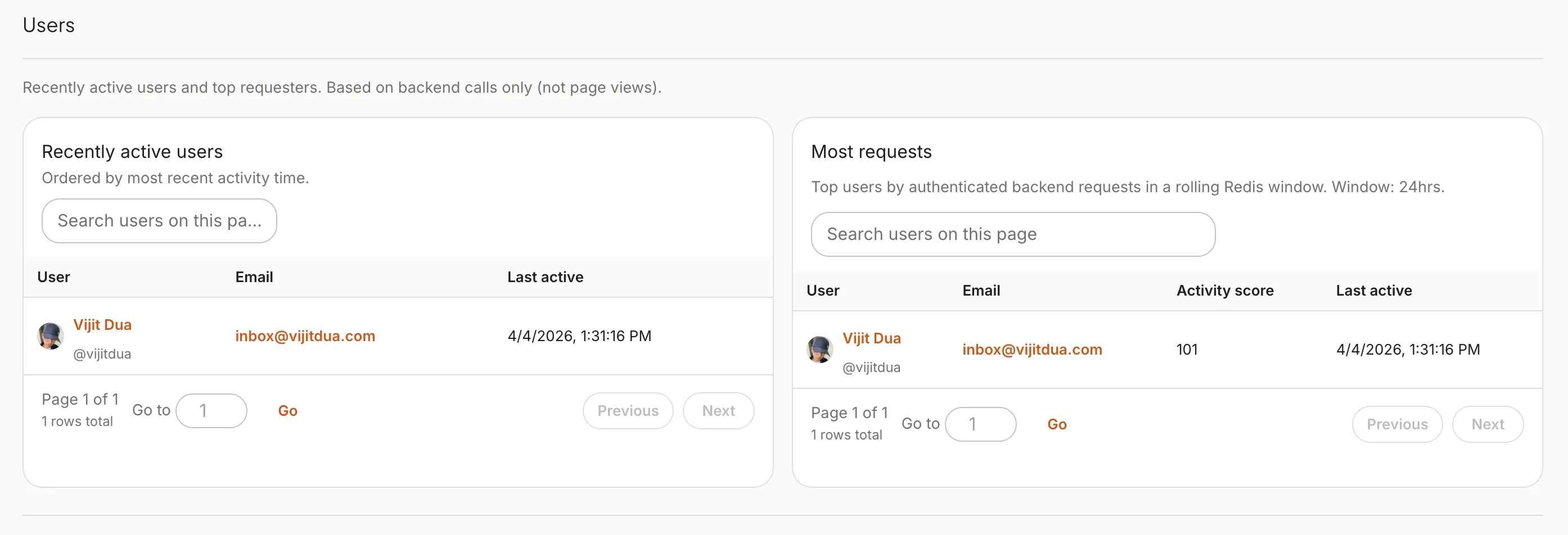
- Admin dashboard with system health overview and quick-access to all admin tools.
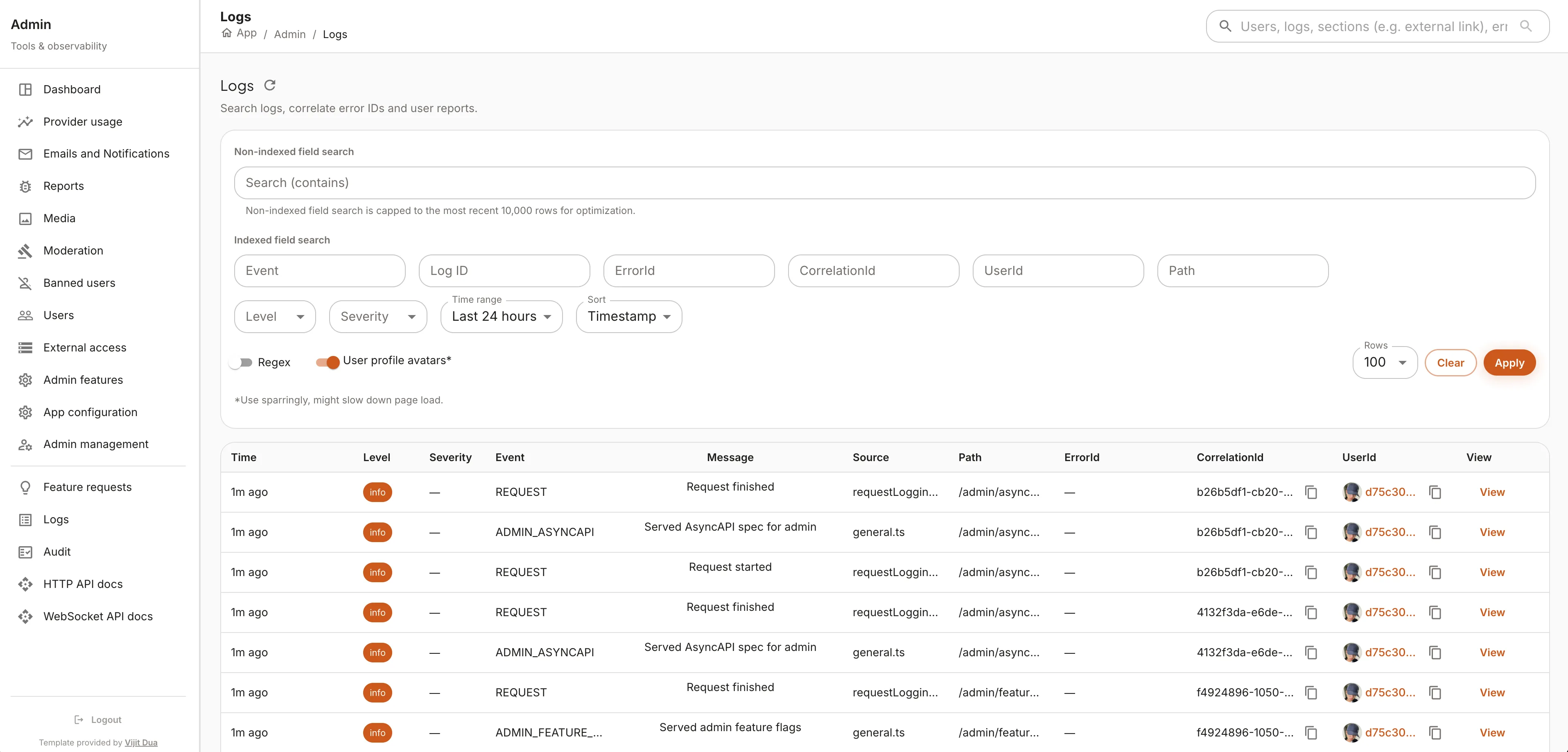
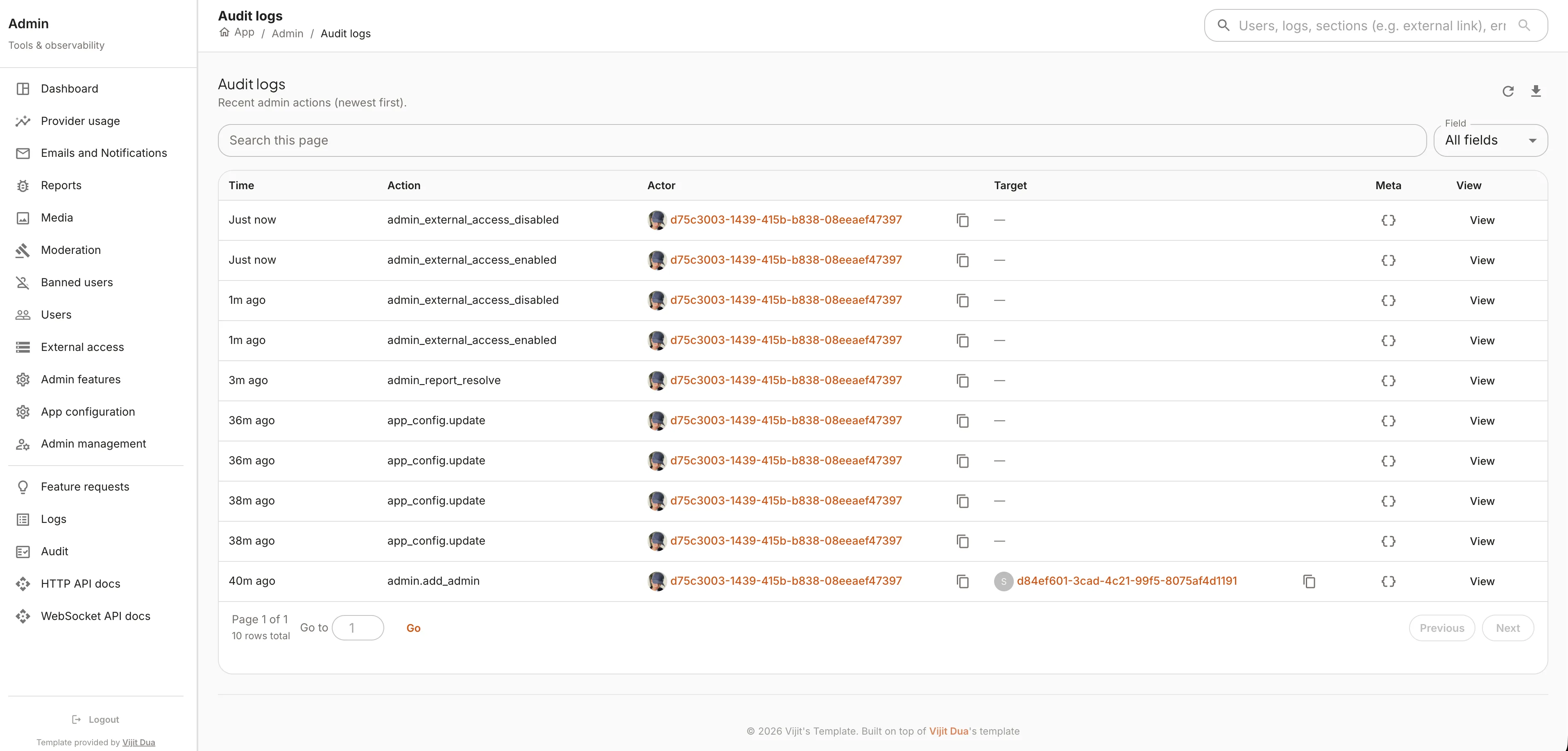
- Logging with Correlation IDs: every HTTP request gets a unique ID that follows it through every middleware, service call, and database query. Search by one ID to get the full trace of any request.
- Structured JSON logs stored in the database — viewable through the admin logs UI with filtering.
- Database telemetry: connection pool stats, query performance, and storage usage in real-time.
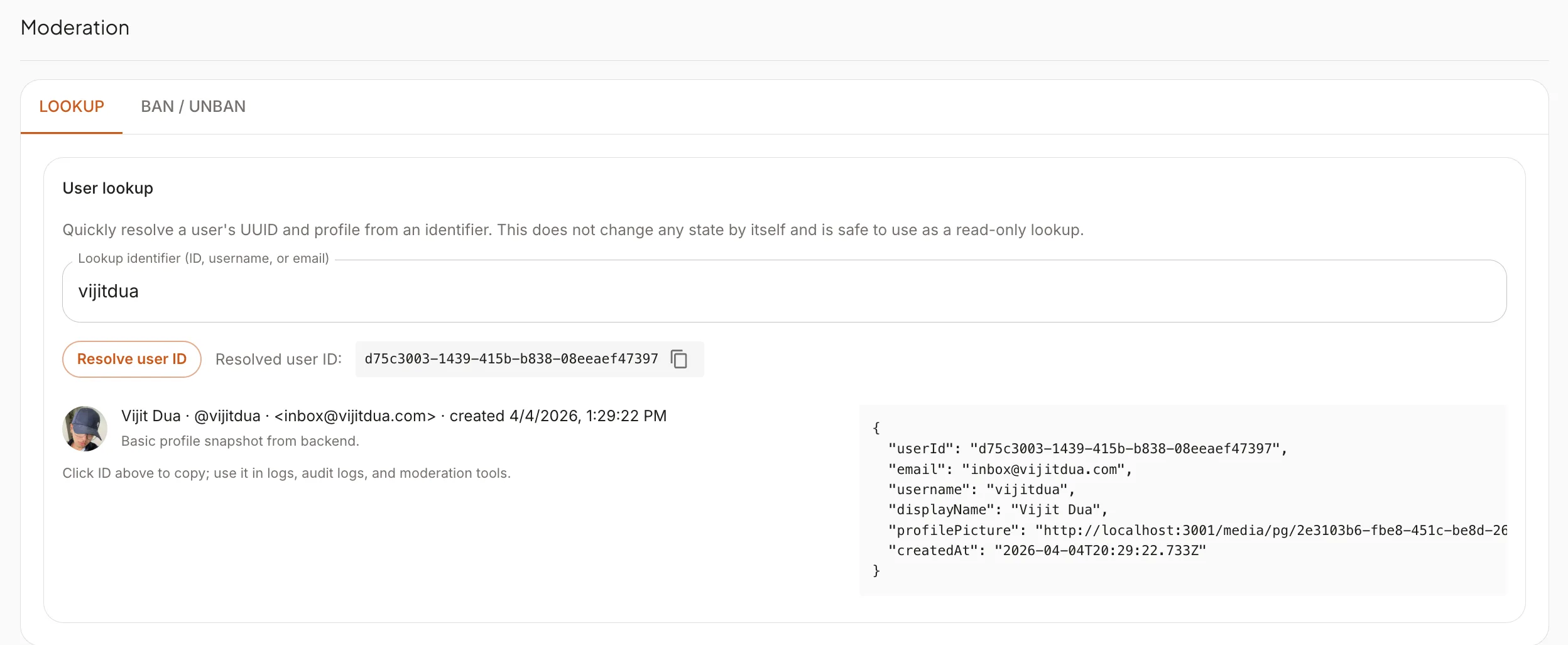
- Moderation tools: user lookup by ID/email/username, ban/unban management, and report review.
- User activity stats and active user tracking.
- Admin settings panel for runtime configuration changes.
Runtime app configuration
- Single App configuration surface: most knobs apply instantly across backend instances (no restart), with everything audited.
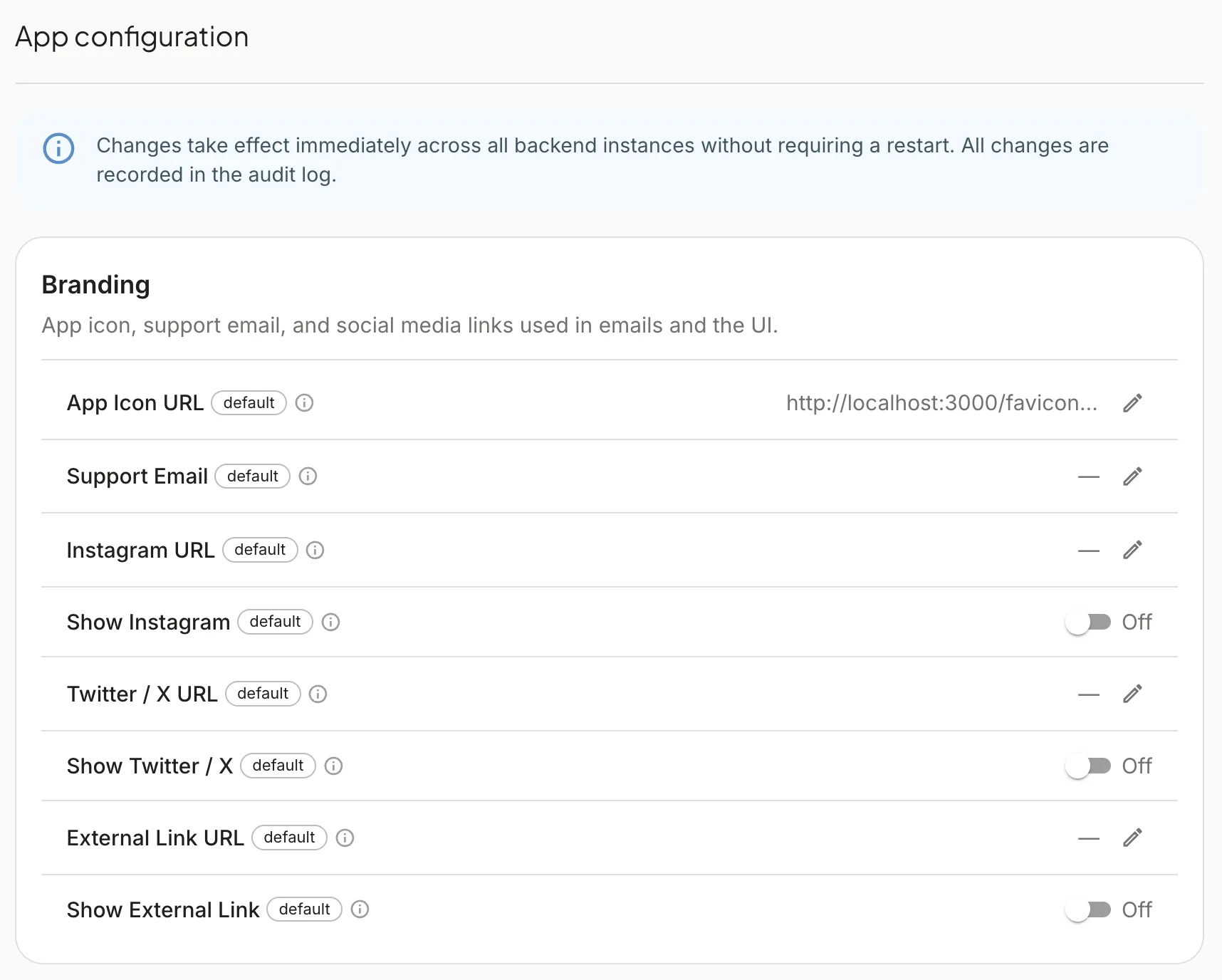
- Branding — app icon URL, support email, social links, and visibility toggles for Instagram, X/Twitter, and a custom external link.
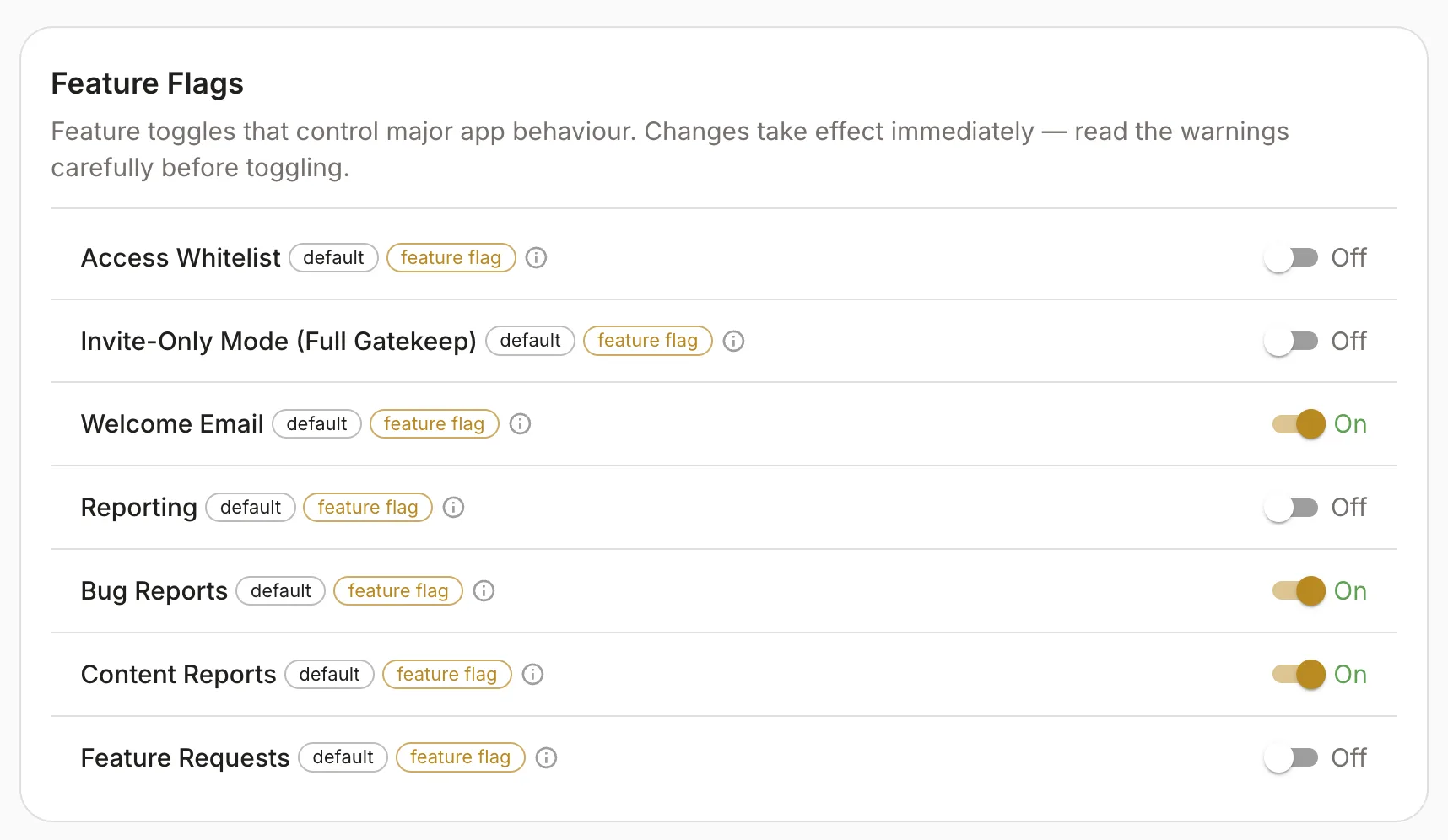
- Feature flags — coarse switches (whitelist, invite-only gate, welcome email, reporting, bug/content reports, feature requests, media GC, etc.).
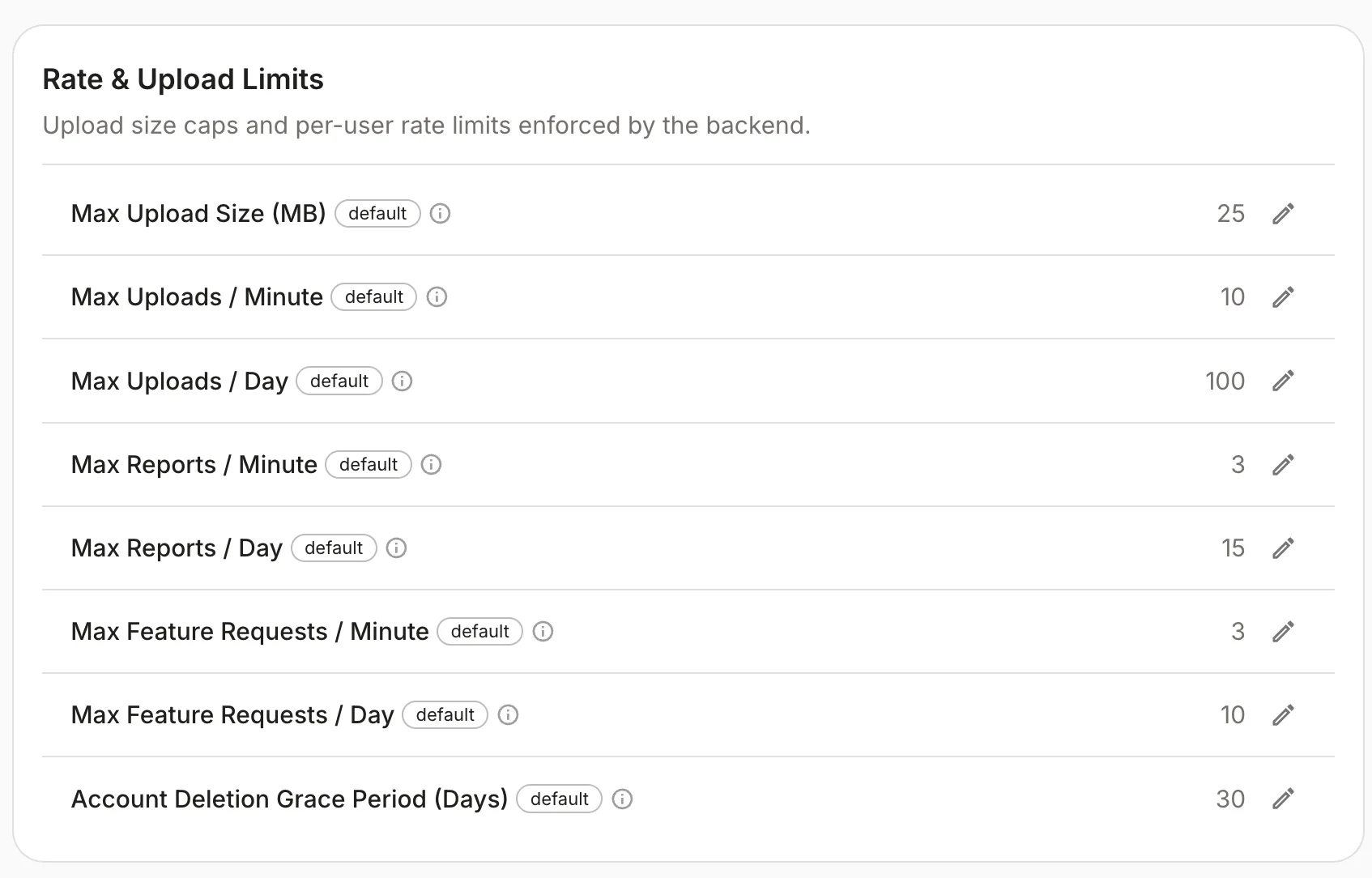
- Rate & upload limits — max upload size, per-minute/day upload caps, report and feature-request throttles, account deletion grace period.
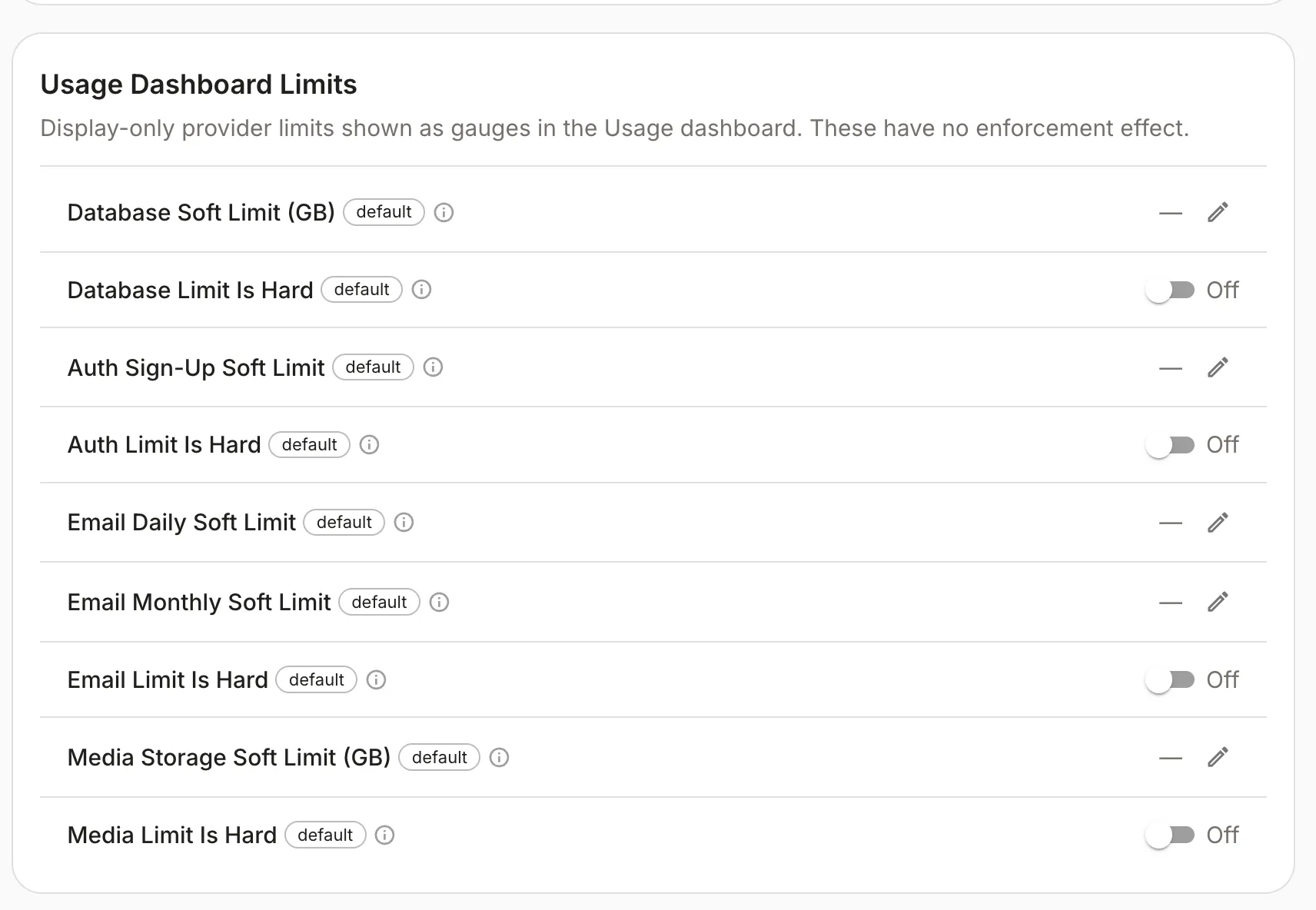
- Usage dashboard limits — display-only soft limits for DB, auth sign-ups, email, and media storage; optional “hard limit” toggles for gauges only.
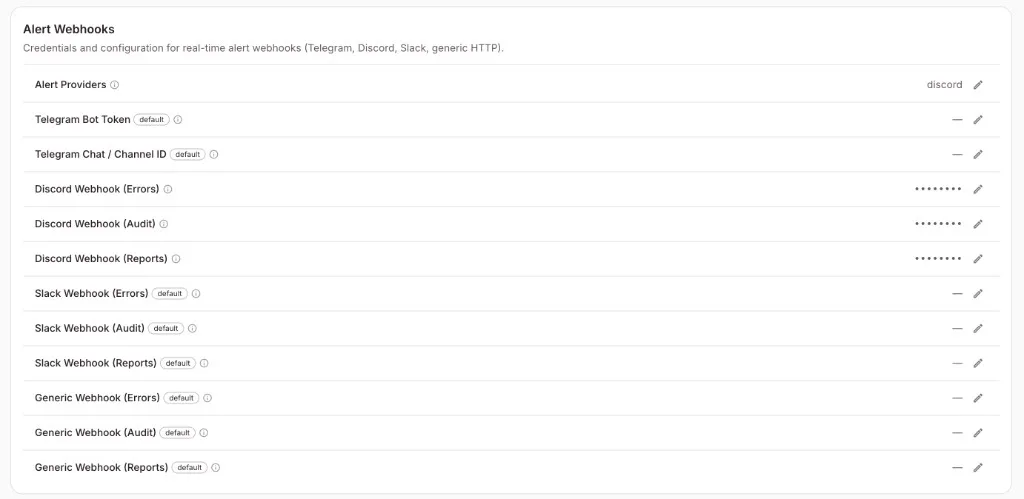
- Alert webhooks — Telegram, Discord, Slack, and generic HTTP hooks for errors, audit events, and reports (multi-provider).
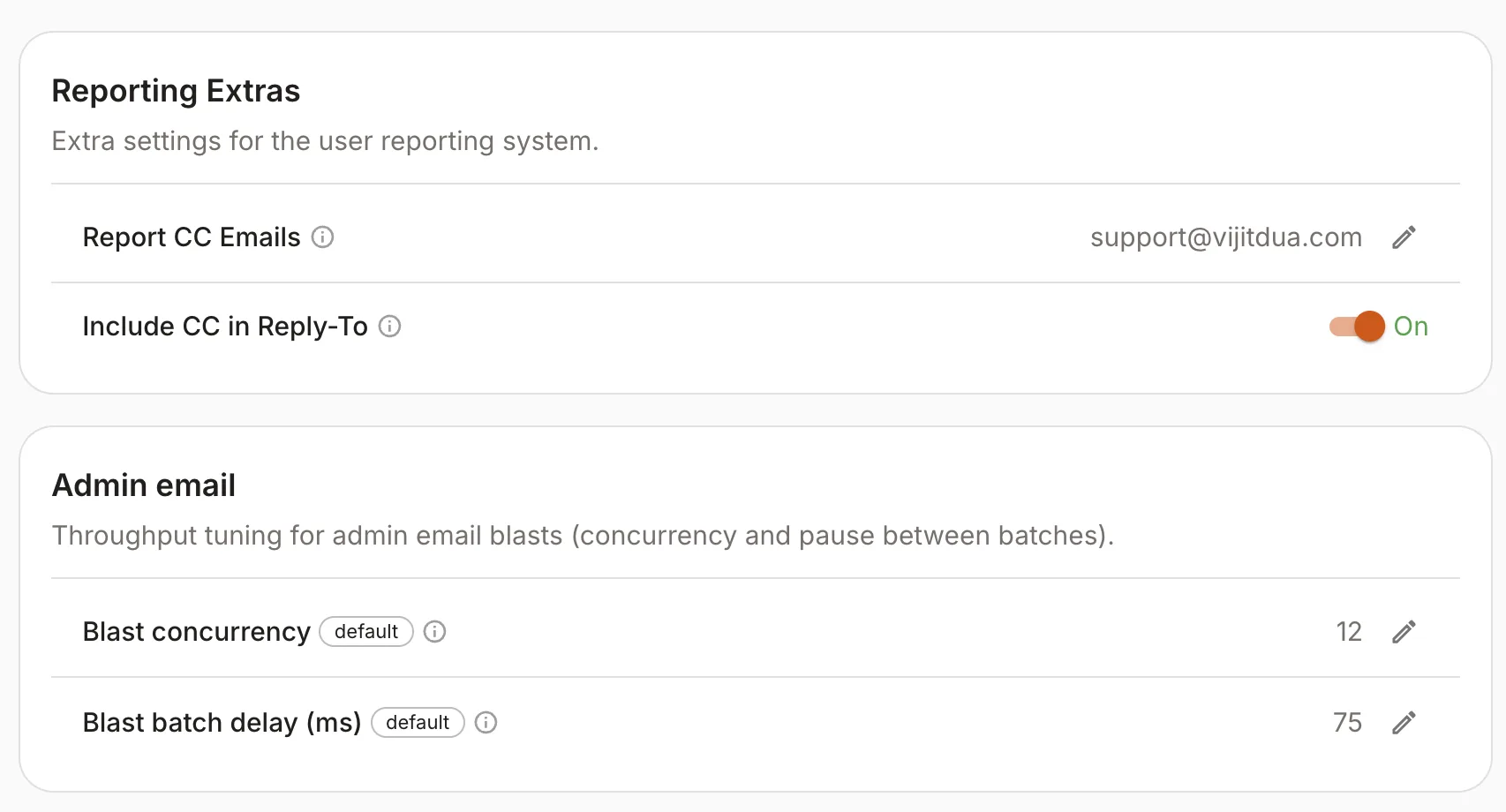
- Reporting extras & blast tuning — report CC emails, reply-to behaviour, and concurrency/delay for admin email blasts.
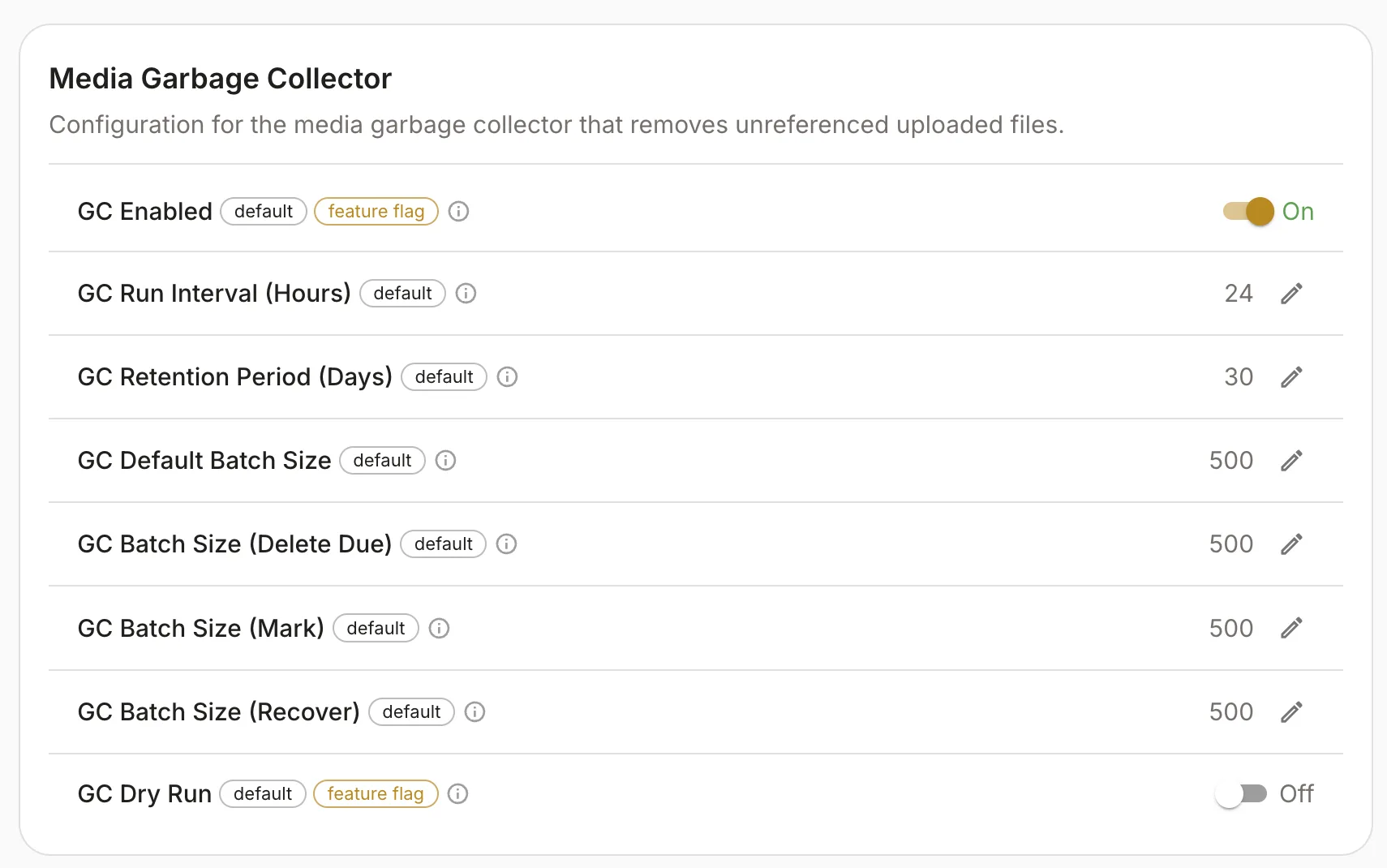
- Media garbage collector — enable/dry-run, intervals, retention, batch sizes for mark/delete/recover passes.
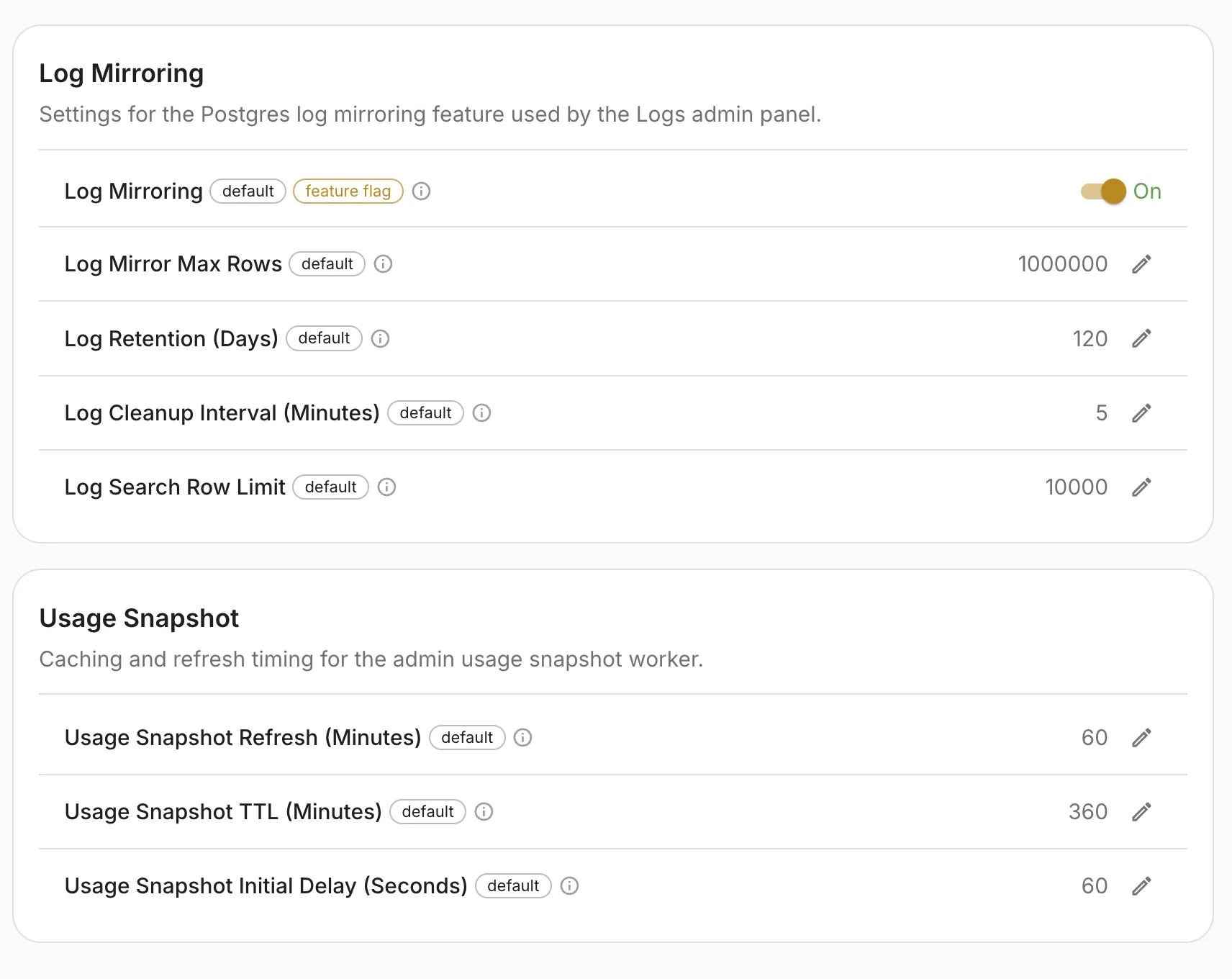
- Log mirroring & usage snapshot — Postgres log mirror for the admin logs UI (row caps, retention, cleanup, search limit) and usage snapshot worker timing.
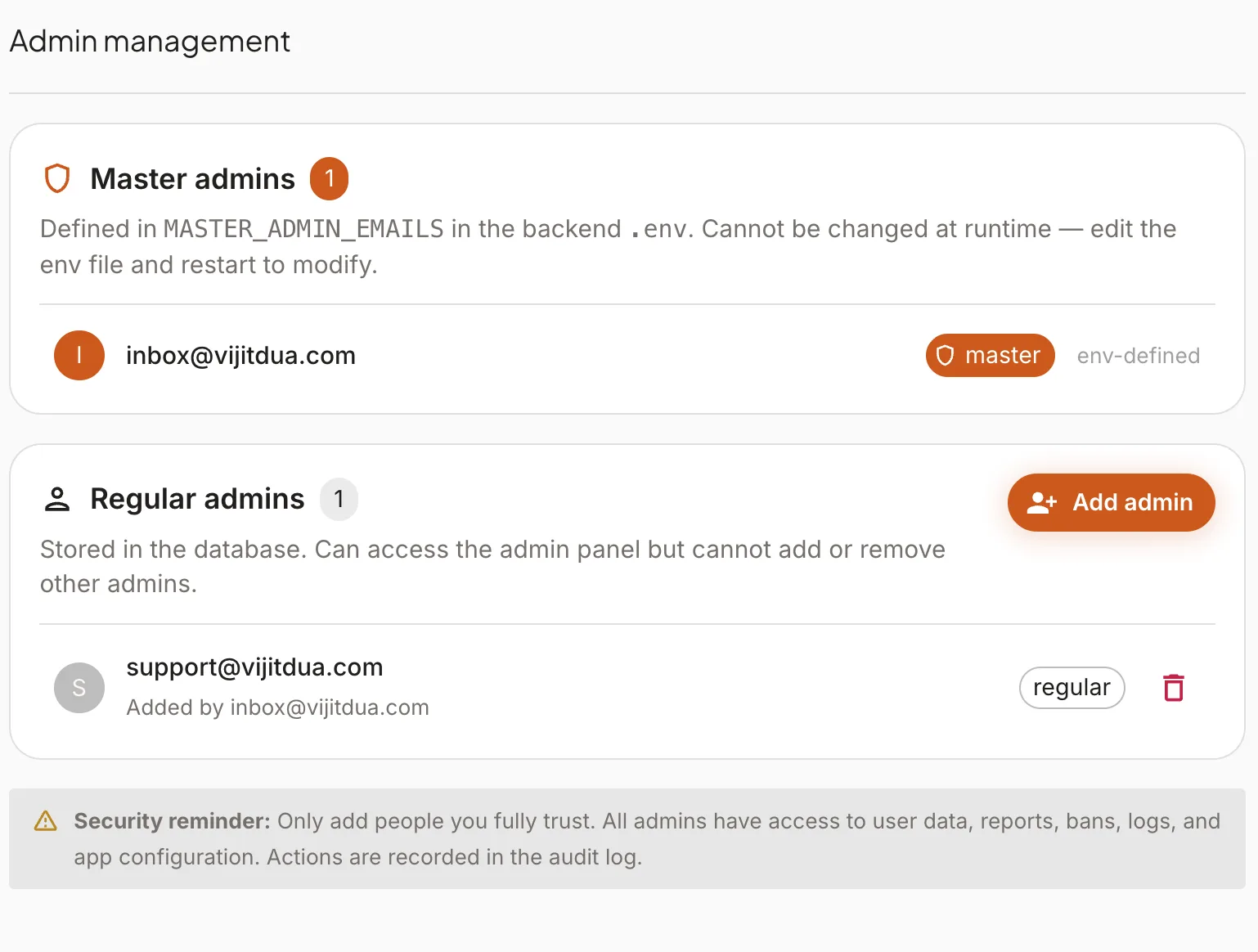
- Admin management — env-defined master admins vs DB-backed regular admins, with a security reminder before granting access.
Branding (app icon, support email, social links, link visibility):
Feature flags (major behaviour toggles):
Rate and upload limits (uploads, reports, feature requests, deletion grace):
Usage dashboard — provider soft limits and display-only hard-limit toggles:
Alert webhooks (errors, audit, reports across Telegram / Discord / Slack / HTTP):
Reporting extras and admin blast throughput (CC list, reply-to, batch concurrency and delay):
Media garbage collector (schedule, retention, batch sizes, dry run):
Log mirroring for the admin logs UI and usage snapshot worker timing:
Admin management (master vs regular admins):
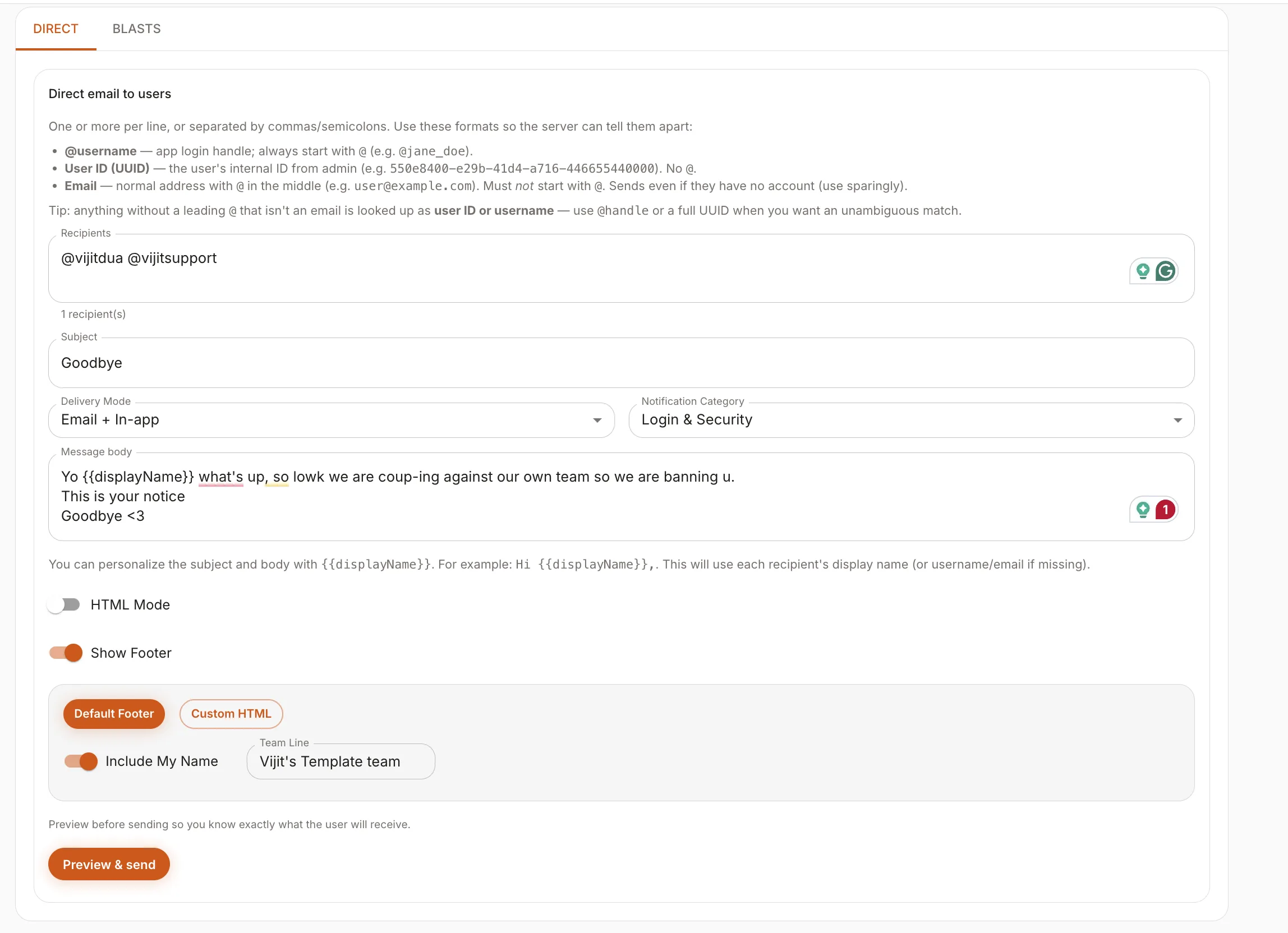
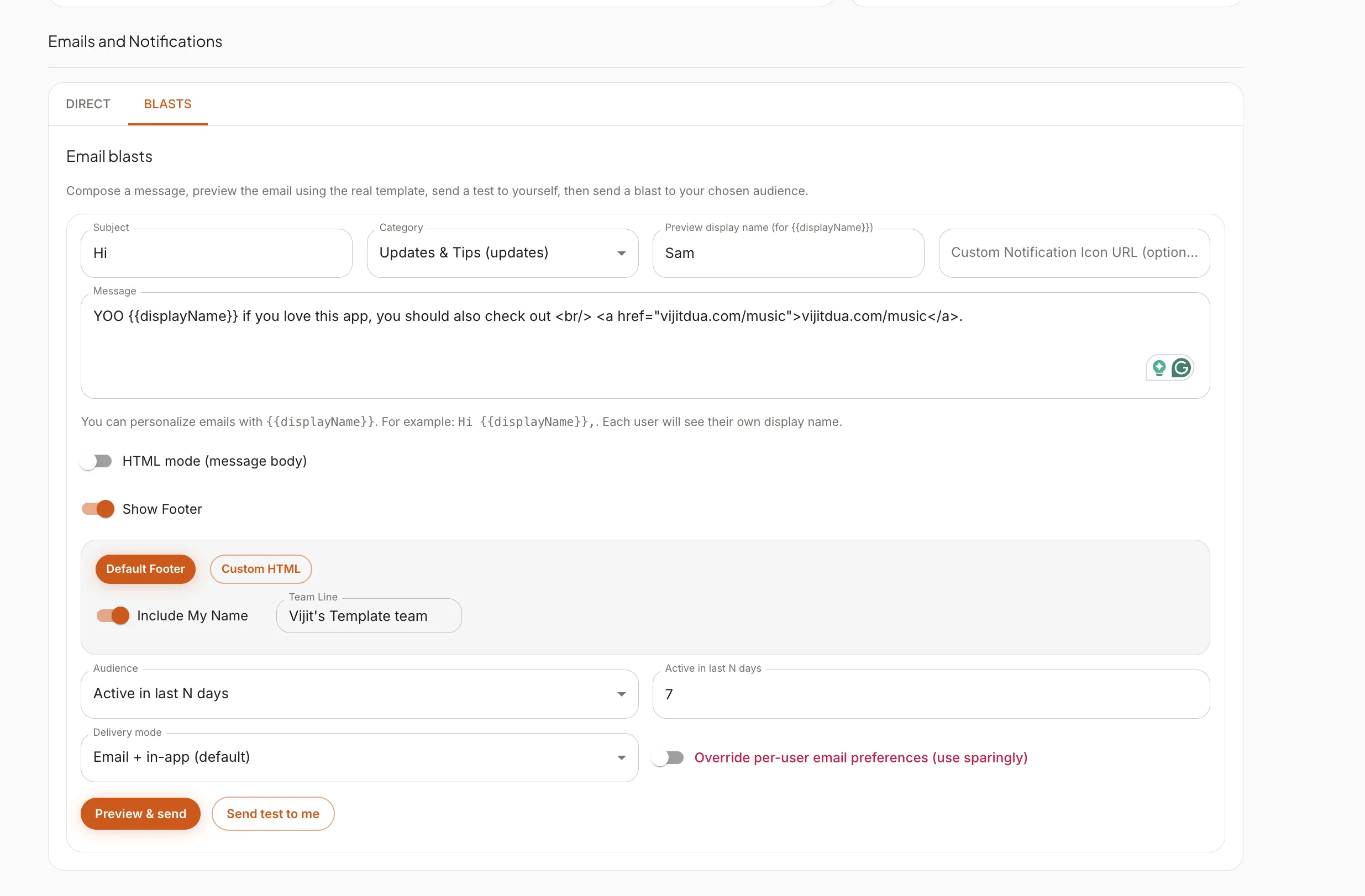
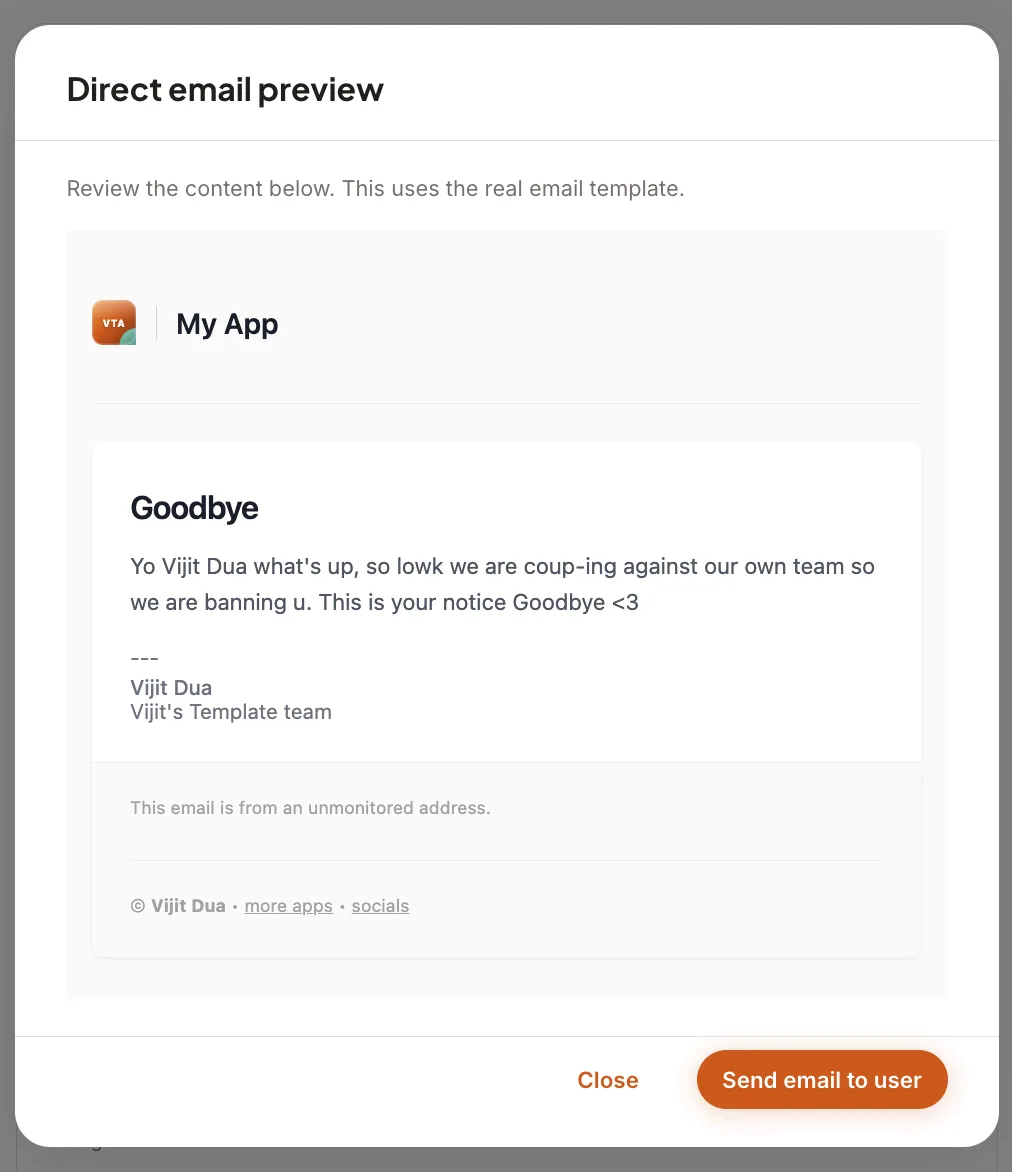
Admin Email Tools
- Direct email sending to individual users via Nodemailer/Resend.
- Bulk email blasts with recipient filtering (all users, active in last N days, etc.).
- HTML template preview before sending.
Admin API Documentation
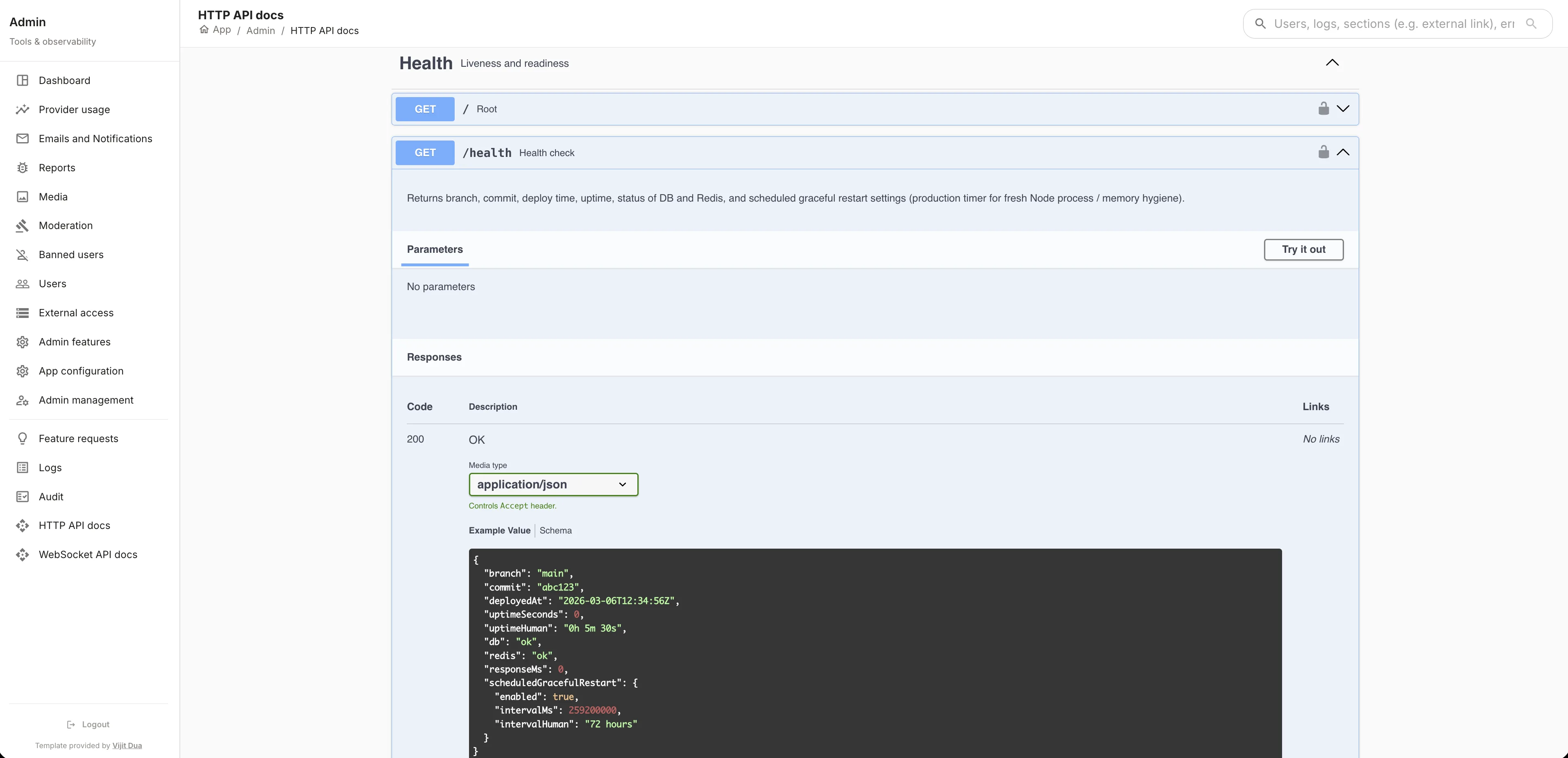
- OpenAPI/Swagger docs for all REST endpoints — admin-only access.
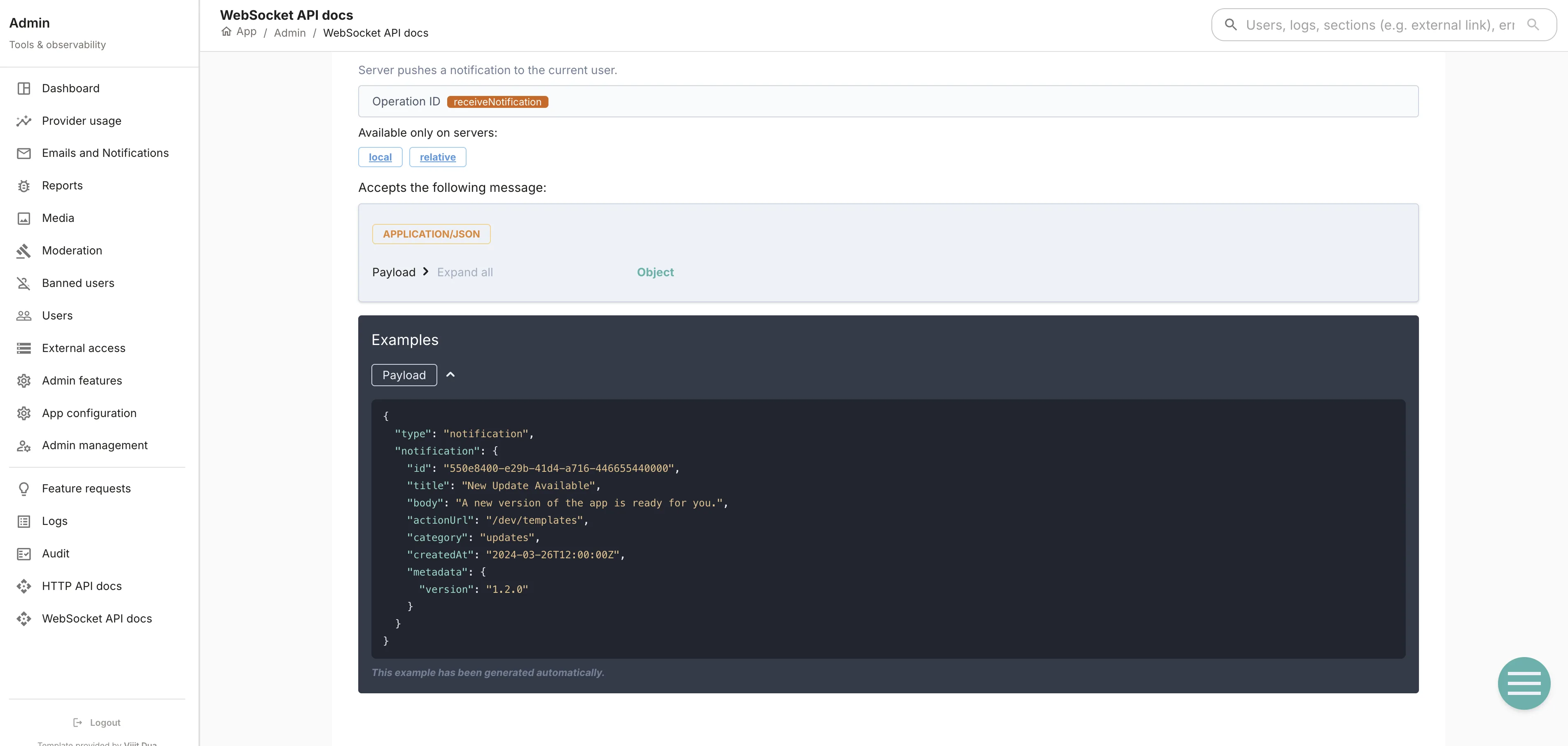
- AsyncAPI docs for all WebSocket events — admin-only access.
- Both are auto-generated from route and event definitions.
Deployment & Infrastructure
- Zero-exposure deployment: database and internal services are never exposed to the public internet.
- All traffic proxied through Cloudflare Tunnels — no open ports on the server.
- Built on top of my VPS Deploy Template base, with GitHub Actions handling CI/CD automatically on push, no $ spent on Vercel or AWS.
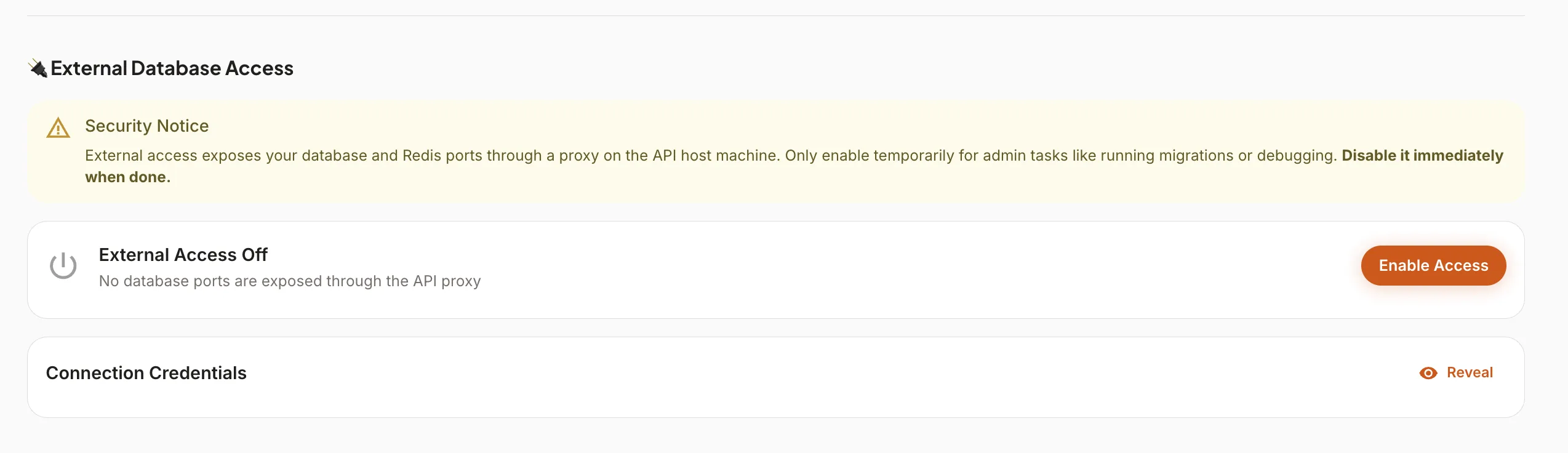
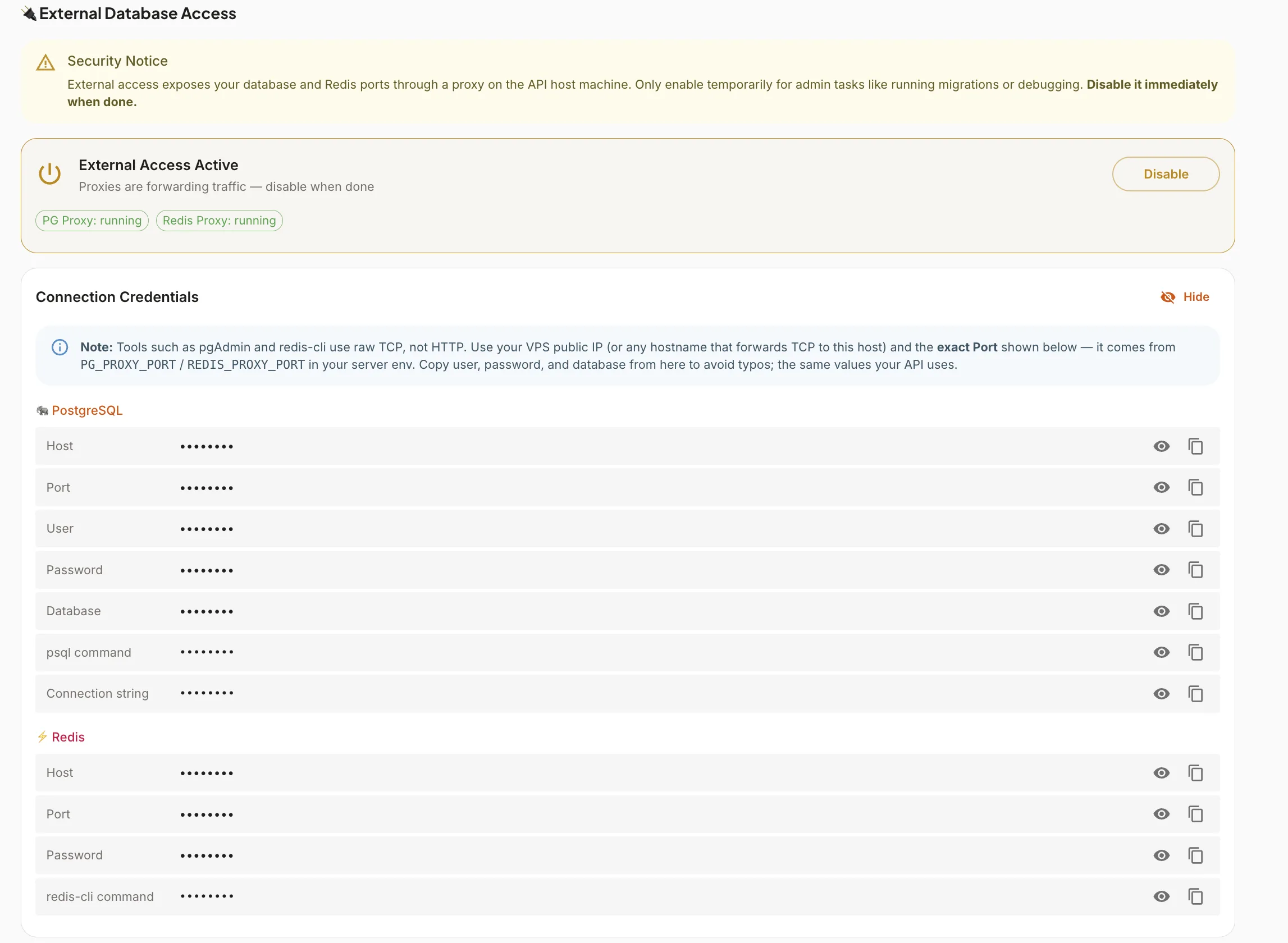
- External database access for admin use is proxied through a secure tunnel.
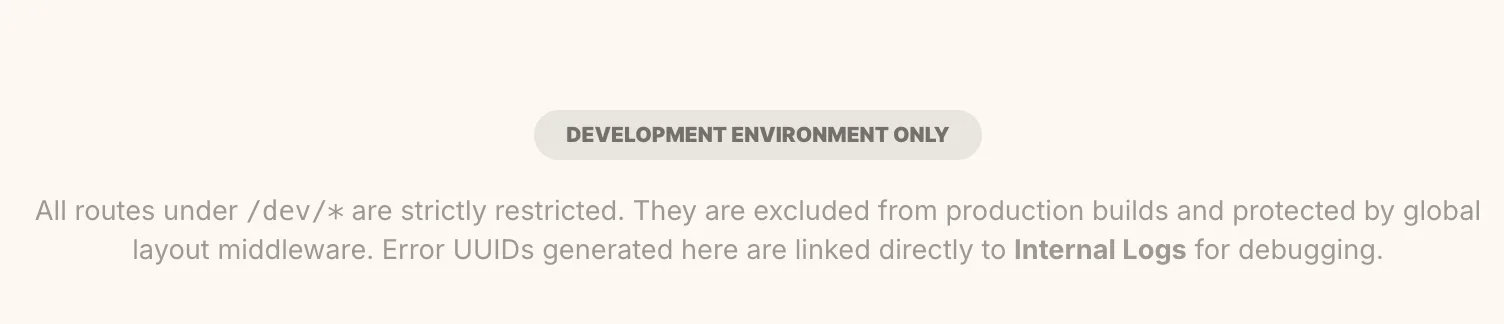
- Dev environment uses /dev/ routes with production build exclusion and visible console warnings.